Restream is a leading live streaming platform that enables creators, businesses, educators, and gamers to broadcast live videos across multiple social media channels simultaneously from a single dashboard. With powerful features like multistreaming, browser-based streaming, unified chat, AI-powered clips, cloud recording, custom branding, guest invitations, and detailed analytics, Restream simplifies the live streaming process while maximizing audience reach and engagement. Whether you’re hosting webinars, podcasts, gaming sessions, or business events, Restream provides an easy-to-use and professional solution to help you grow your online presence and connect with viewers more effectively.
What Is Restream and Why Is It Popular?
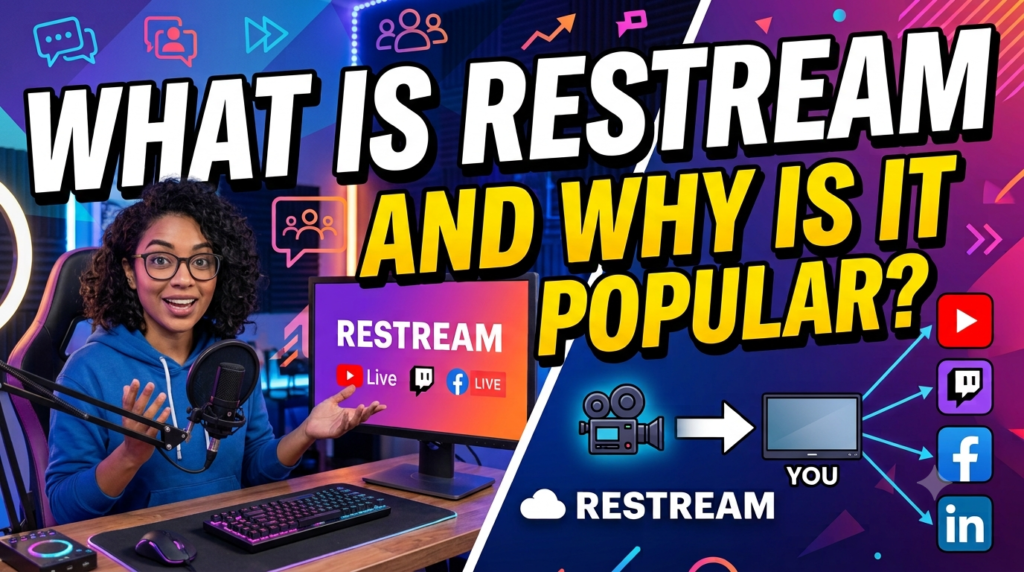
Restream is a cloud-based live streaming platform that enables users to broadcast a single live video to 30+ streaming destinations from one dashboard. Unlike traditional streaming software that often requires complex installations, Restream works directly from your browser through Restream Studio, making it accessible even for beginners. Creators can stream interviews, webinars, podcasts, gaming sessions, online classes, product launches, and business presentations without investing in expensive broadcasting equipment.
Its popularity comes from its balance of simplicity and professional functionality. Beginners appreciate the intuitive interface, while experienced creators benefit from advanced features such as custom RTMP channels, analytics, cloud recordings, branding, API access, AI-powered content repurposing, and browser-based collaboration. According to Restream, creators use the platform for everything from educational webinars to live shopping events and corporate broadcasts.
How Restream Has Changed Live Streaming
Instead of managing several streaming dashboards simultaneously, Restream centralizes everything into one workspace. This saves time, reduces technical issues, and helps creators maximize audience reach without additional effort.
Who Should Use Restream?
Restream is suitable for:
- YouTubers
- Twitch streamers
- Podcasters
- Online educators
- Coaches
- Digital marketers
- Businesses
- Churches
- Event organizers
- Agencies
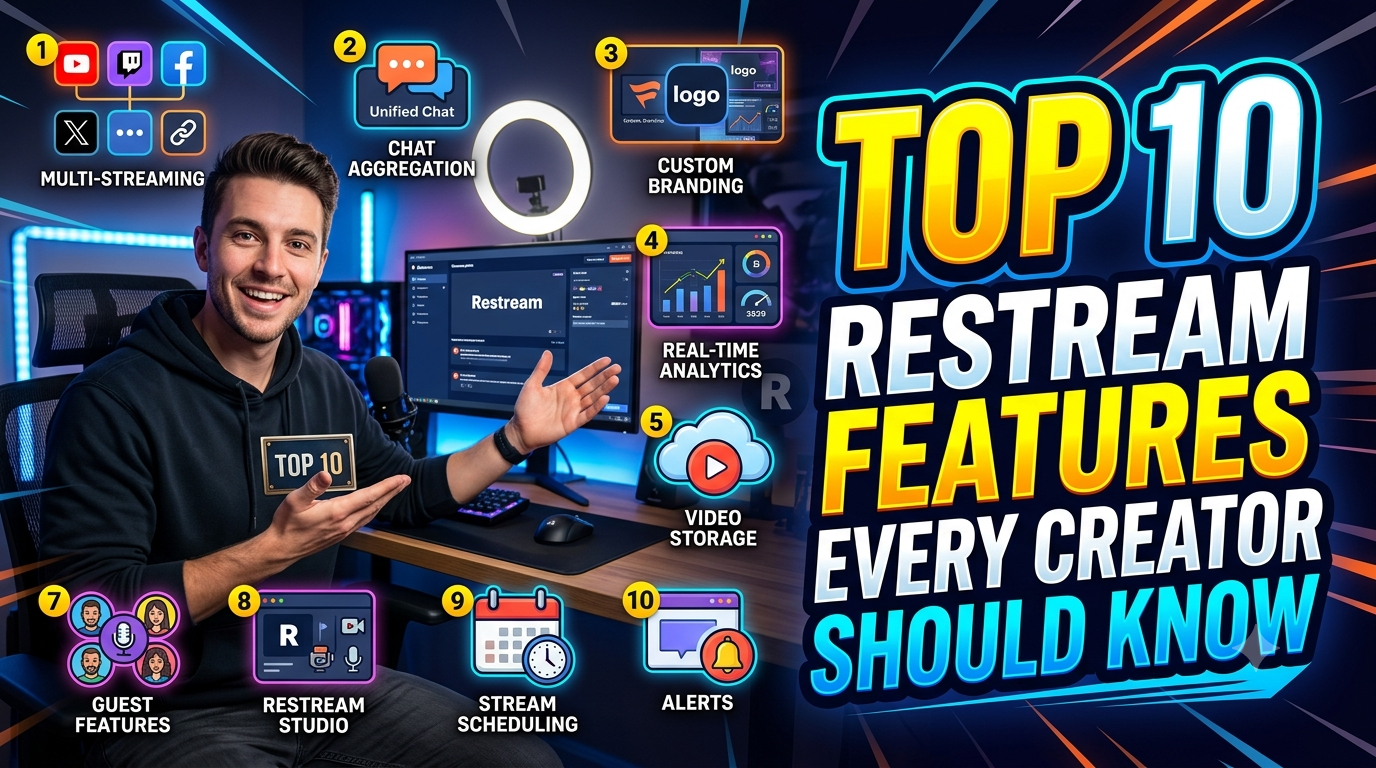
Top 10 Restream Features Every Content Creator Should Know
1. Multistreaming to 30+ Platforms
The flagship feature of Restream is multistreaming. Rather than choosing a single platform, creators can stream simultaneously to YouTube, Facebook, LinkedIn, Twitch, X, TikTok, Kick, custom RTMP destinations, and many more. This dramatically expands audience reach while requiring only one upload from the creator’s internet connection.
For creators with limited upload bandwidth, this is especially valuable because Restream distributes the stream to every connected destination. Businesses also benefit by maintaining consistent messaging across multiple social media channels during product launches, webinars, and announcements. The free plan even supports streaming to two destinations, making it accessible for beginners.
2. Browser-Based Restream Studio
Restream Studio eliminates the need for complicated broadcasting software. Everything runs directly inside your browser, allowing users to start professional live streams within minutes. The studio supports multiple layouts, screen sharing, presentations, media uploads, background customization, and live production controls.
One major advantage is flexibility. Whether you’re using Windows, macOS, or even a Chromebook, you can launch broadcasts without downloading large applications. This simplicity makes Restream Studio particularly attractive for educators, marketers, and creators who want professional-quality streams without mastering advanced production software.
3. Unified Chat Management
Managing audience conversations across several platforms can quickly become overwhelming. Restream solves this problem with its Unified Chat, which combines messages from YouTube, Facebook, Twitch, LinkedIn, and other supported platforms into one interface.
Instead of switching between multiple browser tabs, creators respond to everyone from one dashboard. This significantly improves audience engagement because no questions or comments are missed. For live Q&A sessions, interviews, podcasts, and webinars, Unified Chat creates a much smoother communication experience.
4. Guest Invitations for Live Shows
Interview-based content continues to dominate online video, and Restream makes collaboration incredibly simple. Creators can invite guests using nothing more than a browser link. Guests don’t need to install software, create accounts, or configure complicated broadcasting settings.
This feature is perfect for podcasts, expert interviews, educational discussions, panel sessions, and customer testimonials. Multiple guests can appear simultaneously while the host controls layouts, branding, and screen sharing from Restream Studio.
5. AI Clips for Short-Form Content
One of Restream’s newest innovations is AI Clips. Instead of manually editing lengthy livestreams, AI automatically identifies highlights, generates short-form videos, adds captions, and prepares vertical clips suitable for TikTok, Instagram Reels, and YouTube Shorts.
This dramatically reduces editing time while helping creators repurpose long-form content into multiple pieces of social media content. Since short videos often generate higher engagement than full-length broadcasts, AI Clips can significantly extend the lifespan of every livestream.
6. Stream Scheduling
Planning ahead is essential for consistent audience growth. Restream lets creators schedule livestreams days or even weeks in advance. Scheduled broadcasts notify audiences earlier, allowing viewers to set reminders and increasing attendance when the stream begins.
Businesses benefit particularly from this feature because product launches, webinars, conferences, and educational events often require advance promotion across multiple social platforms simultaneously.
7. Professional Branding Tools
Consistency builds trust. Restream includes branding features that allow creators to customize:
- Logos
- Overlays
- Backgrounds
- Lower thirds
- Colors
- Custom graphics
These branding tools help creators maintain a polished visual identity regardless of which platform viewers are watching on. Businesses especially appreciate this because every livestream reinforces brand recognition.
8. Stream Analytics
Data helps creators improve every future broadcast. Restream’s analytics dashboard provides insights into:
| Metric | Why It Matters |
| Peak viewers | Shows maximum audience reach |
| Average viewers | Measures engagement consistency |
| Watch time | Indicates content quality |
| Total views | Tracks overall performance |
| Chat activity | Measures audience interaction |
Recent platform updates also introduced public analytics APIs, enabling developers and businesses to integrate viewer statistics, chat metrics, and transcript data into custom dashboards.
9. Cloud Recording
Missing valuable livestream content can be costly. Restream automatically records broadcasts to the cloud (depending on the subscription plan), allowing creators to download videos later for editing, republishing, or archiving.
Cloud recordings are particularly useful for educators creating online courses, businesses documenting webinars, and podcasters converting live sessions into evergreen content.
10. API and Advanced Integrations
Professional teams often need automation beyond standard streaming features. Restream now provides expanded public APIs for analytics, event management, transcripts, and reporting. Developers can create custom workflows, automate reporting, integrate CRM systems, or build proprietary dashboards using Restream data.
This makes Restream suitable not only for individual creators but also for agencies, enterprises, and organizations managing large-scale live events.
Restream Pricing Overview
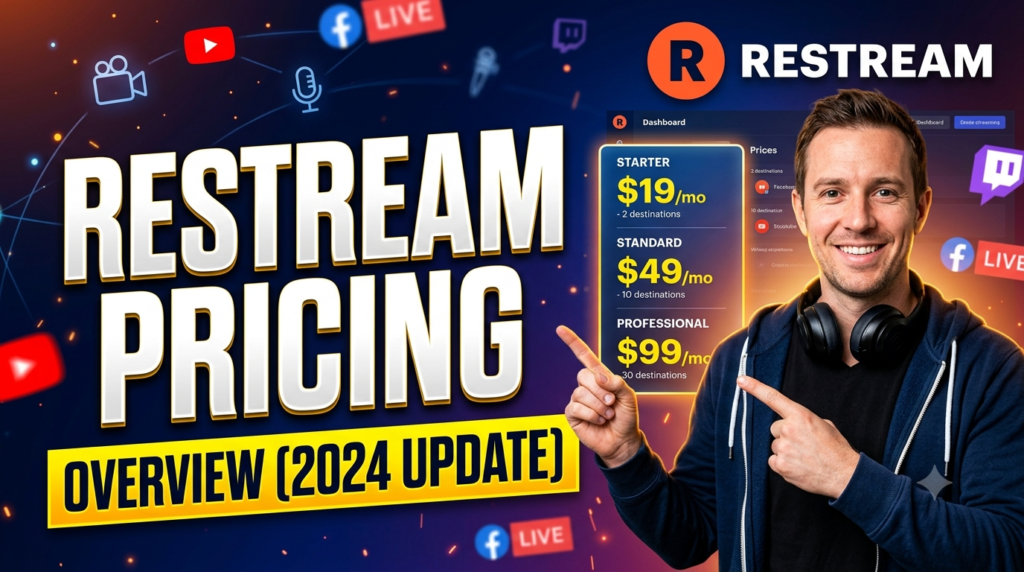
Restream offers several pricing tiers depending on streaming needs.
| Plan | Best For | Key Features |
| Free | Beginners | 2 channels, basic streaming |
| Standard | Individual creators | 3 channels, branding tools |
| Professional | Growing creators | 5 channels, Full HD, team features |
| Business | Enterprises | 8 channels, SRT, priority support, embed player |
AI Clips are currently available as an optional add-on with separate monthly pricing.
Read More:-
Parcel ABC UK Shipping Guide: Features, Pricing, and Benefits Explained
Why Fun-sport-vision.com DE Is Gaining Popularity in Germany
Mashvisor (US): Complete Review for Real Estate Investors in 2026
What Is Scandic SE? A Complete Beginner’s Guide
Simpel NL Explained: Everything You Need to Know
Pros and Cons
| Pros | Cons |
| Stream to 30+ platforms | Advanced features require paid plans |
| Beginner-friendly interface | AI Clips cost extra |
| Browser-based studio | Business plans can be expensive |
| Unified chat | Some advanced production users still prefer OBS |
| AI-powered content repurposing | Premium features target professionals |
Is Restream Worth It in 2026?
For creators serious about growing their audience, Restream remains one of the strongest livestreaming platforms available. It combines accessibility with professional-grade capabilities, allowing users to manage production, distribution, engagement, branding, analytics, and repurposing from one dashboard. Recent additions such as AI Clips, enhanced analytics APIs, transcript support, and embedded player analytics show that the platform continues to evolve rapidly.
If your strategy involves reaching audiences across multiple social platforms while saving time, Restream delivers exceptional value. Beginners can start with the free plan, while growing creators and businesses can scale with paid plans as their streaming needs expand.



Conclusion
Live streaming is no longer just about pressing the “Go Live” button. Success depends on maximizing reach, engaging audiences, maintaining professional branding, analyzing performance, and repurposing content efficiently. Restream brings all of these capabilities together in one platform, making it an excellent choice for creators, educators, businesses, and agencies alike.
Whether you’re hosting interviews, teaching online, running webinars, or building a personal brand, the ten features covered in this guide can help you produce higher-quality broadcasts while reaching more viewers with less effort. As livestreaming continues to grow in importance, mastering these Restream features can provide a significant competitive advantage.
Frequently Asked Questions
Q. Is Restream free to use?
A. Yes. Restream offers a free plan that allows users to stream to two destinations simultaneously with basic features.
Q. Can I stream to YouTube and Facebook at the same time?
A. Absolutely. Multistreaming is Restream’s core feature, allowing simultaneous broadcasts to multiple supported platforms.
Q. Does Restream support AI-generated clips?
A. Yes. Restream offers AI Clips that automatically create short-form videos with captions from your livestreams.
Q. Can I invite guests without installing software?
A. Yes. Guests can join directly from their web browser using a secure invitation link.
Q. Is Restream better than streaming separately to each platform?
A. For most creators, yes. Restream saves time, simplifies management, centralizes audience engagement, and expands reach by broadcasting to multiple destinations simultaneously.