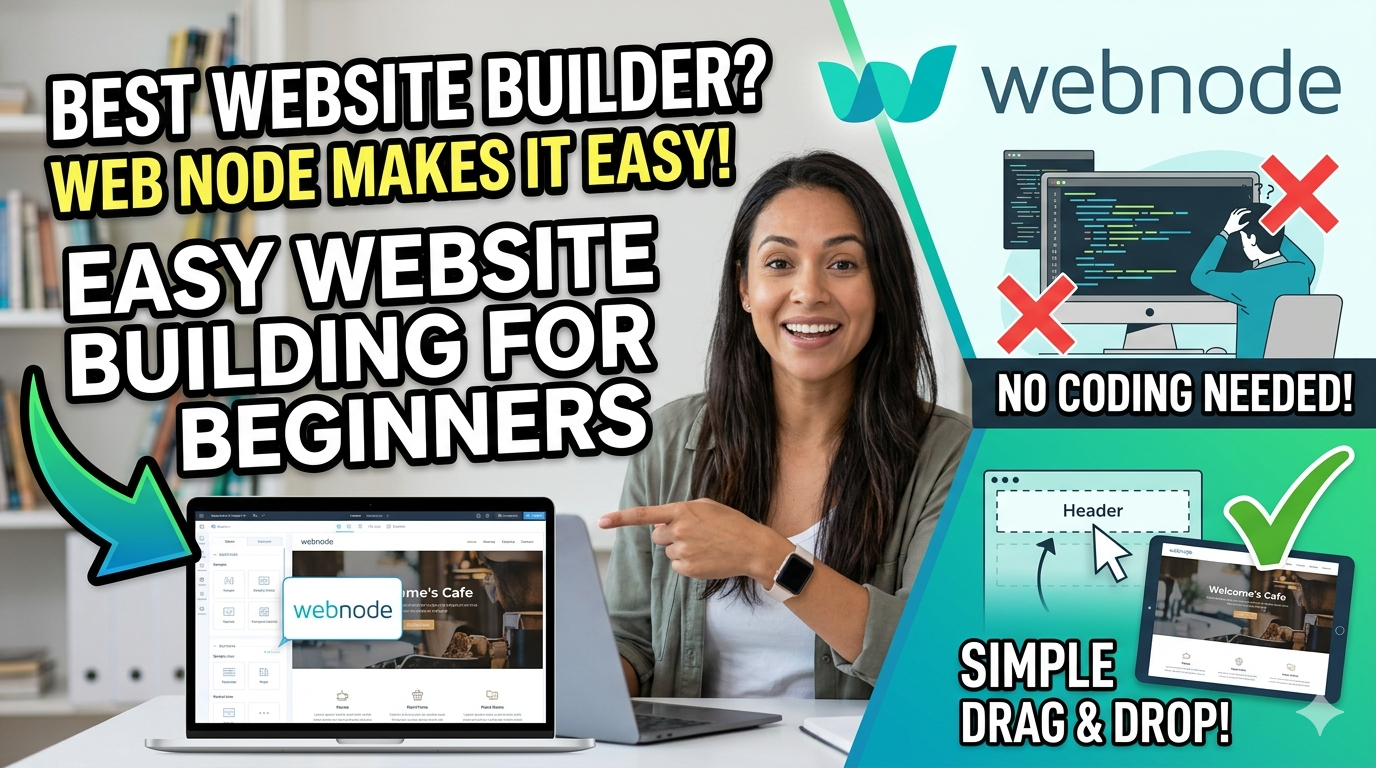
How Webnode Makes Website Building Easy for Beginners is a complete guide that explores how Webnode simplifies the website creation process for users with little or no technical knowledge. This article highlights Webnode’s beginner-friendly features, including its drag-and-drop editor, AI-powered website builder, responsive templates, and affordable pricing plans. It also compares Webnode with popular platforms like Wix and WordPress, discusses its pros and cons, and shares practical tips for building a professional website quickly and easily. Whether you’re a blogger, freelancer, or small business owner, this guide helps you understand why Webnode is a smart choice for launching your online presence.
Table of Contents
What Is Webnode and Why Is It Popular?
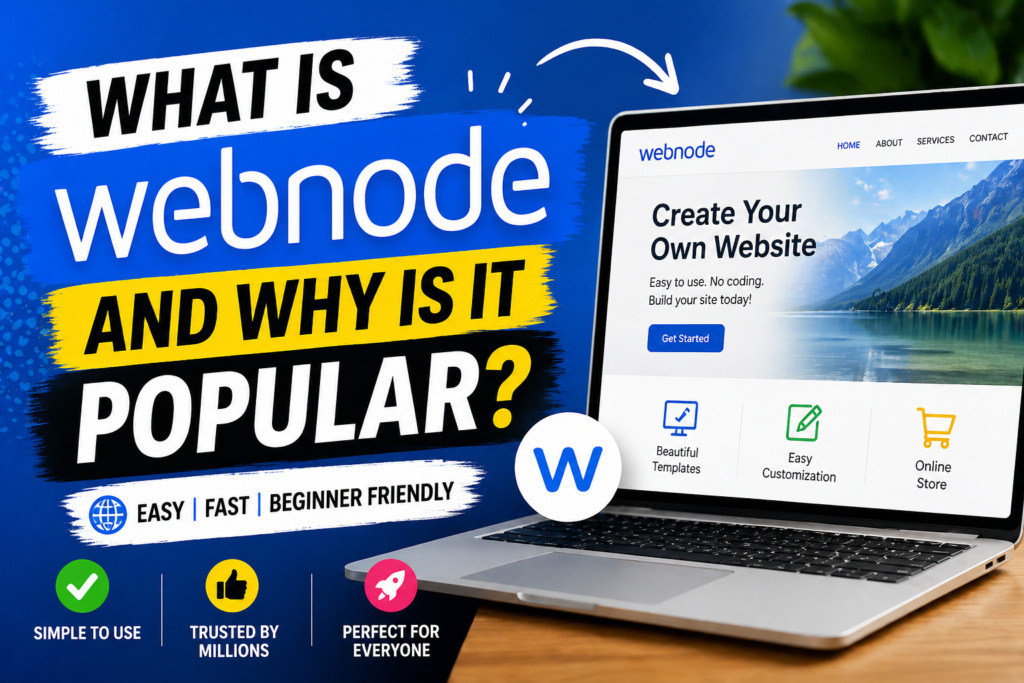
Building a website used to feel like trying to assemble furniture without instructions. You had screws everywhere, confusing tools in your hand, and somehow a few pieces always seemed missing. That’s exactly how many beginners feel when they hear words like hosting, coding, plugins, or SEO. Thankfully, Webnode changes that experience completely. It’s a beginner-friendly website builder designed for people who want a professional-looking website without touching a single line of code. Whether you’re starting a blog, launching a small business, or creating a portfolio, Webnode makes the process feel more like drag, drop, click, and publish.
Webnode has become increasingly popular because of its simplicity and speed. According to the company, users can create a website instantly using its AI Website Builder, and the platform offers free hosting, templates, and even a free domain for the first year on many premium plans. That’s a huge plus for beginners who don’t want to juggle multiple services just to get online. In a world where website builders like Wix and WordPress dominate the conversation, Webnode stands out by offering a clean, less overwhelming interface. It’s like choosing a bicycle with training wheels before riding a racing bike.
Key Features That Make Webnode Beginner-Friendly
The biggest reason beginners love Webnode is because it removes technical roadblocks. Imagine walking into a kitchen where every ingredient is already measured and every tool is in the right place. That’s the Webnode experience. The platform is carefully designed so even someone with zero experience can create a polished website quickly. You don’t need to understand HTML, CSS, or JavaScript. You simply focus on what you want your website to say and how you want it to look.
One standout feature is the drag-and-drop editor. Instead of writing code, you simply move elements like text boxes, images, buttons, and forms into place. This makes design intuitive and fast. Another major feature is the AI Website Builder, which asks a few questions about your business or project and automatically creates a ready-made website draft in seconds. It’s almost like having a personal web designer on standby 24/7.
Webnode also offers responsive templates, meaning your website will automatically look good on mobile phones, tablets, and desktops. Considering that mobile devices generate over half of global web traffic, this is critical for beginners who may not know how to optimize for smaller screens. The platform also supports multilingual websites, making it easier for businesses to reach international audiences.
How to Build a Website with Webnode Step by Step
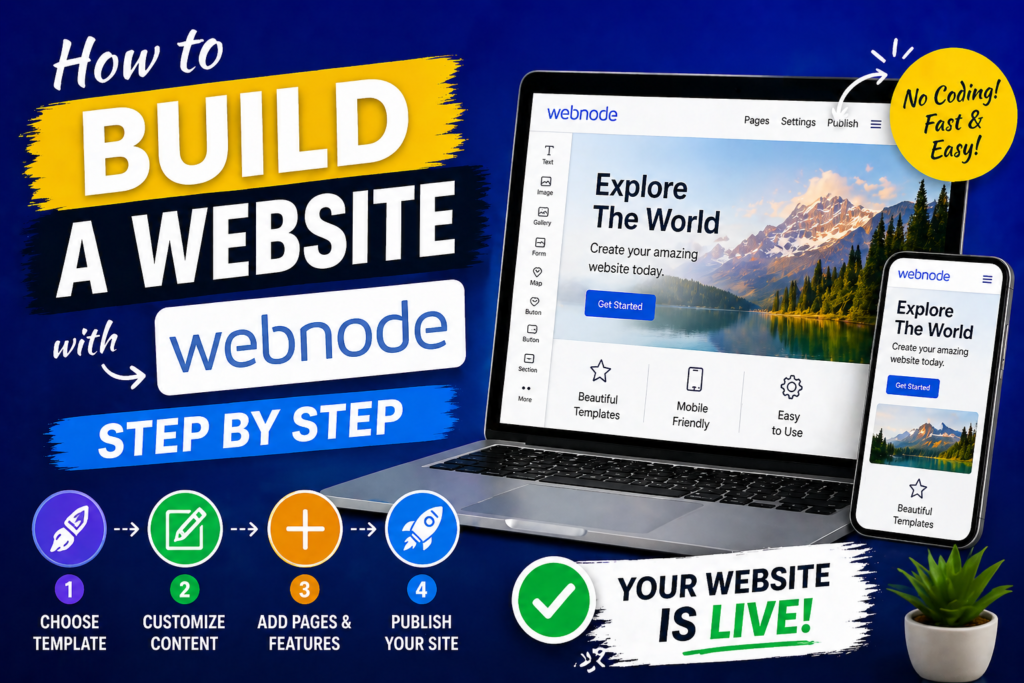
Starting with Webnode is surprisingly easy. Using your email address or social media login, you first create an account. Once inside, Webnode asks what type of website you want to create. Is it a blog? An online store? A portfolio? Based on your answer, it suggests templates tailored to your goal. This saves beginners from staring at hundreds of design options and feeling lost.
The next step is customization. You can replace placeholder text with your own words, upload your images, and change fonts and colors to match your brand. Think of it like decorating a rented apartment—you didn’t build the walls, but you can make the place feel like home. Webnode’s editor is simple enough that you can experiment without fear of “breaking” anything.
After customization, you can add pages such as About Us, Services, Contact, or Blog. If you want extra features like contact forms, image galleries, maps, or online store tools, they’re just a click away. Once everything looks right, hit the Publish button. Your website goes live instantly on a free subdomain, or you can connect your custom domain if you upgrade. For many beginners, this fast launch process is the difference between an idea staying in their notebook and becoming a real online presence.
Webnode Pricing Plans Explained
One of the first questions beginners ask is, “How much will this cost me?” The good news is that Webnode offers a free plan. This allows users to create and publish a website without paying anything. Of course, there are limitations—you’ll have Webnode branding, a Webnode subdomain, and fewer advanced features. Still, it’s a great way to test the waters before committing.
For users who want more professionalism, Webnode offers premium plans. These generally include more storage, more bandwidth, custom domain support, email accounts, website statistics, and advanced features. Here’s a simple comparison:
| Plan | Best For | Key Features |
| Free | Testing or personal use | Webnode subdomain, limited storage |
| Limited/Mini | Small personal sites | Custom domain, more bandwidth |
| Standard | Business websites | No ads, analytics, forms |
| Profi | Growing businesses | More storage, multilingual support |
Pricing typically starts around $5.50/month and increases depending on the plan and billing cycle. Compared to many competitors, Webnode is affordable for beginners and small business owners.
Webnode vs Other Website Builders
How does Webnode compare to the big names? Against Wix, Webnode is simpler and less overwhelming. Wix offers more design flexibility and advanced apps, but that can confuse first-time users. Webnode focuses on speed and ease. It’s the difference between a Swiss Army knife and a simple kitchen knife—one has more tools, but the other is easier to use immediately.
Compared to WordPress, Webnode wins in simplicity but loses in customization. WordPress offers thousands of plugins and themes, making it ideal for advanced users and businesses with unique needs. But beginners often struggle with hosting, updates, and plugin conflicts. Webnode bundles everything together, making life easier.
If your goal is to launch quickly with minimal hassle, Webnode is a strong choice. If you need advanced features later, platforms like WordPress or Shopify might make more sense. The beauty is that beginners can start simple and grow over time.
Read More:-
Why STRIPO is Essential for Digital Product Marketers
Maximize Your Customer Engagement with LiveAgent’s Features
Boost Your E-commerce Strategy with YITH Plugins
Building Your Dream Website with Site123
How Does Strikingly Simplify the Website Building Process?
Why ContentStudio & Leadpages Are Essential for E-commerce Success
LiveChat: Transforming Customer Support for Digital Entrepreneurs
Benefits and Drawbacks of Using Webnode
Every tool has strengths and weaknesses, and Webnode is no exception. Its simplicity of use is its greatest benefit. Most users praise its intuitive interface and quick setup. Reviews on platforms like Capterra and G2 frequently highlight how easy it is to create professional websites without coding.
Another benefit is affordability. Free hosting, security, and templates are included, reducing startup costs. The AI builder and multilingual features add even more value. For small businesses targeting local and international customers, that can be a game-changer.
The downsides? Webnode can feel limited compared to more advanced builders. Design customization isn’t as flexible as Wix, and e-commerce features may not satisfy large online stores. Some users also mention limited third-party integrations. So while it’s perfect for beginners, power users may outgrow it.




Tips for Beginners to Succeed with Webnode
If you’re just starting, keep things simple. Choose a clean template and avoid cluttering your pages with too much text or too many images. Think of your website like a storefront—if the window display is messy, people may walk away. Clear navigation, readable text, and high-quality visuals matter more than fancy animations.
Use Webnode’s built-in SEO tools to optimize your pages. Add relevant keywords in your titles, descriptions, and content. Make sure every page has a purpose and a call to action. Want visitors to contact you? Add a button. Want them to buy? Make checkout easy.
Finally, publish quickly and improve later. Too many beginners wait for perfection. A live website that’s “good enough” is better than a perfect website no one sees. With Webnode, updates are easy, so you can improve over time without stress.
Conclusion
Webnode makes website building feel less like rocket science and more like assembling building blocks. Its drag-and-drop editor, AI tools, responsive templates, and affordable pricing create an easy entry point for beginners who want a professional online presence fast. It strips away the complexity that scares many first-time users and replaces it with a smooth, guided experience.
For bloggers, freelancers, small businesses, and anyone who wants to build a website without coding, Webnode is a practical and affordable option. While it may not offer the endless customization of WordPress or the app ecosystem of Wix, it wins where it matters most for beginners: simplicity, speed, and ease of use. If you’ve been waiting to launch your first website, Webnode could be the push you need to finally get online.
FAQs
Q. Is Webnode free to use?
A. Yes, Webnode offers a free plan with basic features and Webnode branding.
Q. Can I create an online store with Webnode?
A. Yes, Webnode supports e-commerce features on certain premium plans.
Q. Does Webnode require coding skills?
A. No, Webnode is a no-code website builder designed for beginners.
Q. Is Webnode good for SEO?
A. Yes, it offers basic SEO tools like meta tags, custom URLs, and mobile-friendly templates.
Q. How does Webnode compare to Wix?
A. Webnode is simpler and easier for beginners, while Wix offers more advanced customization.