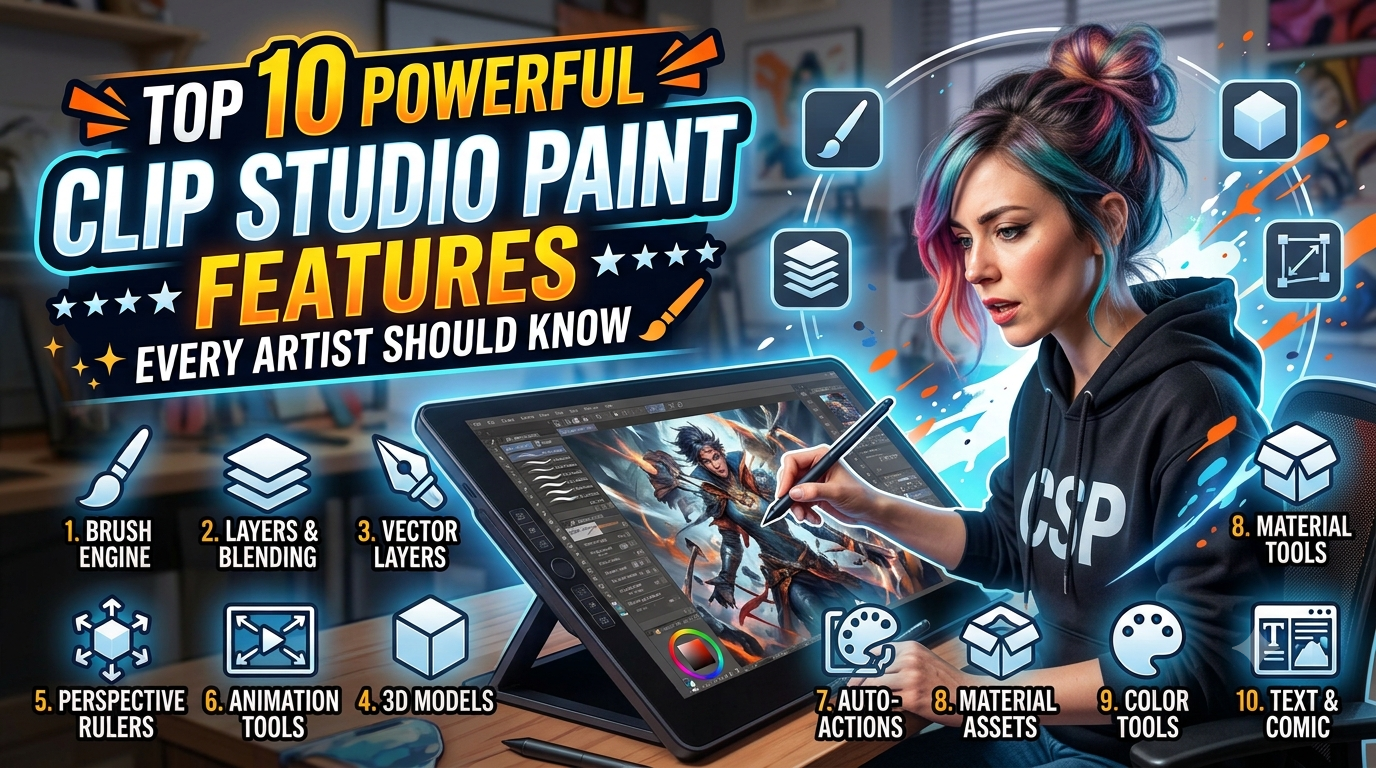
Clip Studio Paint is one of the most powerful digital art software solutions for illustrators, comic creators, manga artists, and animators. With its industry-leading brush engine, customizable workspace, vector tools, 3D pose references, animation features, and extensive asset library, Clip Studio Paint helps artists create professional-quality artwork with ease. Whether you’re a beginner exploring digital drawing or a seasoned professional looking for advanced creative tools, Clip Studio Paint offers an intuitive yet feature-rich experience across Windows, macOS, iPad, Android, and other supported devices. Its regular updates and innovative features make it a top choice for anyone serious about digital illustration and creative design.
Table of Contents
- Why Clip Studio Paint Remains a Favorite Among Digital Artists
- What Makes Clip Studio Paint Different from Other Drawing Software
- Feature #1: Customizable Brush Engine
- Feature #2: AI-Assisted Smart Shape Tools
- Feature #3: Massive Asset Library
- Feature #4: Advanced Layer Management
- Feature #5: 3D Models and Pose References
- Feature #6: Vector Layers for Perfect Line Art
- Feature #7: Perspective Rulers and Specialized Rulers
- Feature #8: Animation Timeline
- Feature #9: Time-Lapse Recording
- Feature #10: Cloud Sync and Multi-Device Workflow
- Clip Studio Paint PRO vs EX Comparison
- Tips to Get the Most Out of Clip Studio Paint
- Conclusion
- Frequently Asked Questions
Why Clip Studio Paint Remains a Favorite Among Digital Artists
Unlike many digital painting programs that focus on only one creative field, Clip Studio Paint combines illustration, comics, manga, webtoons, animation, and design into a single package. Whether you’re sketching character concepts, producing an entire comic series, or animating a short film, the software offers specialized tools designed specifically for those workflows.
The platform’s amazing harmony between simplicity and depth is another reason why artists adore it. Beginners can start drawing almost immediately using default brushes, while professionals can customize nearly every aspect of the interface, brush engine, shortcuts, and workspace. The software also performs exceptionally well on Windows, macOS, iPad, Android tablets, Chromebooks, and smartphones, allowing creators to work almost anywhere. Recent updates have further improved drawing responsiveness and introduced Smart Shape tools that help artists create clean curves and geometric forms without interrupting their creative flow.
What Makes Clip Studio Paint Different from Other Drawing Software
Many digital art applications excel at painting or photo editing, but Clip Studio Paint was designed from the ground up for illustrators. Instead of forcing artists to rely on third-party plugins, it includes features like comic panels, speech bubbles, perspective rulers, animation timelines, customizable brushes, vector drawing, 3D references, and cloud synchronization in one ecosystem.
Another significant advantage is its active creator community. Thousands of artists share free and premium brushes, textures, materials, backgrounds, and 3D assets through the Clip Studio Assets marketplace. This saves creators countless hours because instead of building everything from scratch, they can download professionally designed resources that integrate seamlessly into their workflow. Combined with continuous feature updates and performance improvements, Clip Studio Paint remains one of the most future-proof digital illustration tools available.
Feature #1: Customizable Brush Engine
Creating Natural Traditional Art Effects
The brush engine is arguably Clip Studio Paint’s greatest strength. Every brush can be customized in extraordinary detail, allowing artists to simulate pencils, charcoal, watercolor, oil paint, ink pens, markers, airbrushes, and countless hybrid media. Pressure sensitivity, brush texture, stroke stabilization, color mixing, opacity variation, tilt recognition, and particle effects can all be adjusted to suit an artist’s style.
The newest versions also improve watercolor rendering speed and edge quality, making traditional-style painting feel more natural while maintaining excellent performance on large canvases.
Feature #2: AI-Assisted Smart Shape Tools
One of the biggest additions in recent updates is Smart Shape. Instead of manually correcting imperfect circles, curves, or geometric objects, artists can sketch rough lines while the software intelligently converts them into smooth, accurate shapes.
This dramatically speeds up architectural illustration, graphic design, UI concepts, industrial design sketches, comic backgrounds, and technical artwork. Rather than breaking creative momentum by switching tools repeatedly, artists can continue drawing naturally while Smart Shape performs the refinement automatically. The result is cleaner artwork with significantly less manual correction.
Feature #3: Massive Asset Library
Best Free Resources for Beginners
One of the hidden gems inside Clip Studio Paint is the enormous Clip Studio Assets marketplace. Artists can download thousands of resources, including:
| Asset Type | Purpose |
| Brushes | Ink, watercolor, pencils, effects |
| Materials | Textures, fabrics, paper |
| 3D Models | Characters, furniture, weapons |
| Backgrounds | Cities, interiors, nature |
| Color Palettes | Fast coloring workflows |
Many resources are completely free, making them perfect for beginners who want professional-quality tools without spending additional money.
Feature #4: Advanced Layer Management
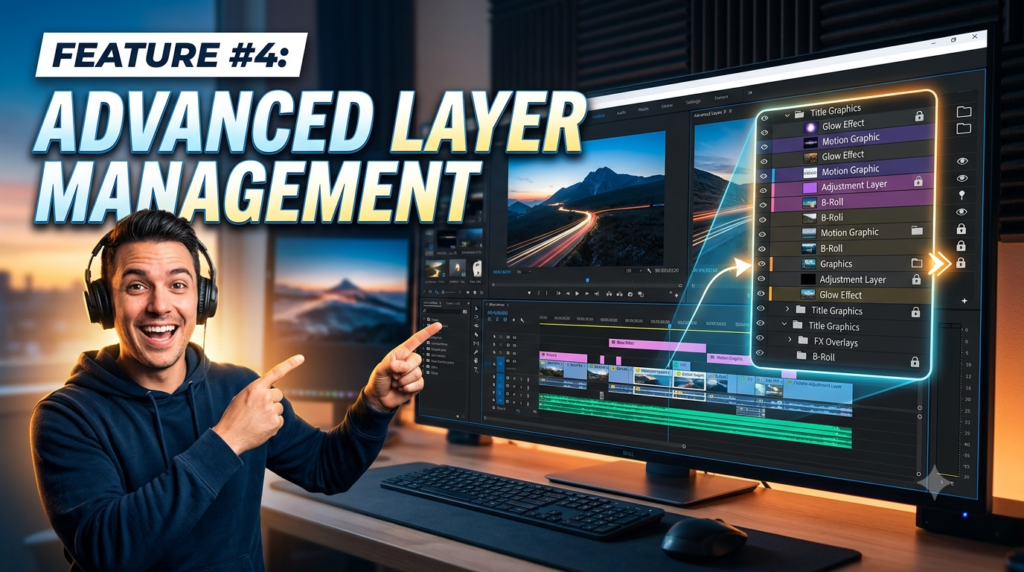
Professional illustrations often contain dozens—or even hundreds—of layers. Clip Studio Paint provides sophisticated organizational tools that make complex projects manageable. Artists can group layers, assign colors, apply masks, create clipping layers, use correction layers, and organize artwork into folders without sacrificing performance.
The layer system also integrates beautifully with vector objects, effects, and comic production tools. This flexibility allows creators to make non-destructive edits throughout the creative process, reducing the fear of making irreversible mistakes.
Feature #5: 3D Models and Pose References
Creating convincing anatomy and perspective can be one of the biggest challenges for digital artists. Clip Studio Paint addresses this by including built-in 3D drawing figures, hand models, and pose references that can be adjusted directly on the canvas.
Version 5.0 expands these capabilities with improved 3D hand models and a more streamlined interface, making it easier to position references for dynamic scenes. Artists can rotate, resize, and customize models before drawing over them, significantly improving accuracy while saving valuable production time.
Feature #6: Vector Layers for Perfect Line Art
Unlike raster layers, vector layers allow artists to edit line quality after drawing. Individual strokes can be thickened, thinned, reshaped, simplified, or erased at intersections without degrading image quality.
Comic artists especially benefit from this feature because line art often requires repeated adjustments during production. Instead of redrawing an entire illustration, creators can modify existing strokes while preserving smooth curves and consistent ink quality.
Feature #7: Perspective Rulers and Specialized Rulers
Perspective can be intimidating, particularly when illustrating architecture or environments. Clip Studio Paint solves this with its extensive collection of rulers, including perspective rulers, symmetry rulers, parallel rulers, concentric rulers, and curve rulers.
These tools ensure every stroke automatically aligns with the chosen perspective, dramatically reducing construction time while maintaining professional accuracy. Whether drawing city streets, fantasy castles, or interior spaces, rulers help artists produce cleaner compositions with less effort.
Feature #8: Animation Timeline
PRO vs EX Animation Differences
Although many artists associate Clip Studio Paint with illustration, it is also a capable animation platform. Users can create frame-by-frame animations, animated illustrations, GIFs, and professional motion sequences directly inside the application.
One important distinction exists between PRO and EX editions. The PRO version supports shorter animations, while EX removes the 24-frame limitation and adds advanced multi-page comic management, making it the preferred choice for professional animators and manga creators. Community discussions consistently highlight these as the primary reasons to upgrade from PRO to EX.
Feature #9: Time-Lapse Recording
Modern artists frequently share their creative process on YouTube, Instagram, TikTok, and other social platforms. Clip Studio Paint includes a built-in time-lapse recording feature that automatically captures every stage of the illustration process.
Instead of relying on external screen recording software, artists can export polished time-lapse videos directly from their project. These videos are valuable for marketing, portfolio presentations, educational content, and building an online audience while requiring almost no additional effort during creation.
Feature #10: Cloud Sync and Multi-Device Workflow
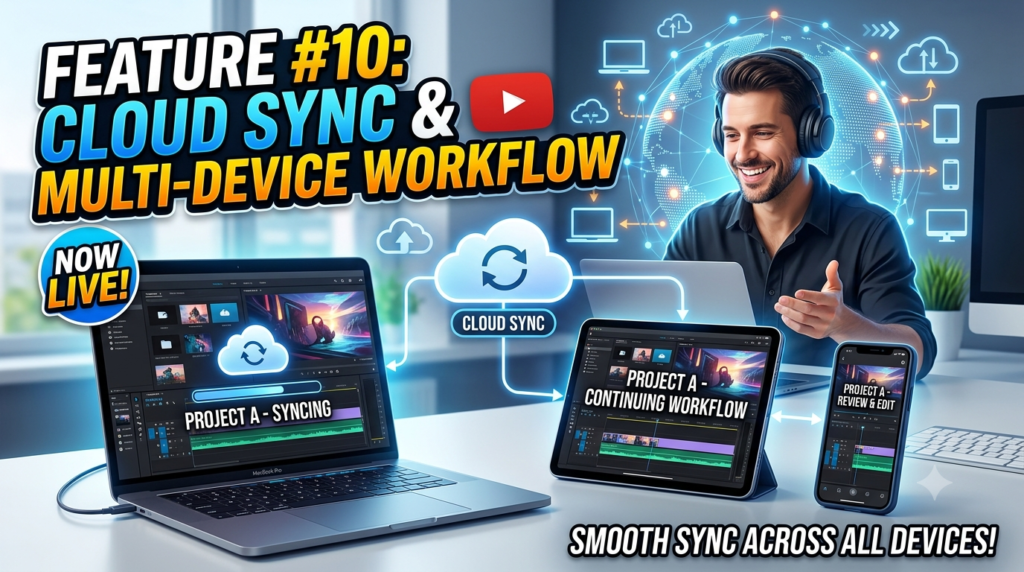
Today’s artists rarely work on a single device. Clip Studio Paint supports cloud synchronization that allows projects, settings, brushes, and materials to remain accessible across multiple supported devices.
An artist can begin sketching on an iPad during travel, refine the artwork on a Windows desktop, and make final adjustments on a laptop without manually transferring files. This seamless workflow improves productivity while reducing the risk of losing important project data.
Read More:-
How Does Strikingly Simplify the Website Building Process?
Building Your Dream Website with Site123
Boost Your E-commerce Strategy with YITH Plugins
Maximize Your Customer Engagement with LiveAgent’s Features
Why STRIPO is Essential for Digital Product Marketersa
Clip Studio Paint PRO vs EX Comparison
| Feature | PRO | EX |
| Professional Illustration | ✅ | ✅ |
| Comics | ✅ | ✅ |
| Multi-Page Comic Management | ❌ | ✅ |
| Animation Beyond 24 Frames | ❌ | ✅ |
| Vector Drawing | ✅ | ✅ |
| Custom Brushes | ✅ | ✅ |
| 3D Models | ✅ | ✅ |
| Cloud Sync | ✅ | ✅ |
For most illustrators, PRO provides everything needed for digital painting. Artists focused on professional comics or longer animations benefit significantly from upgrading to EX.
Tips to Get the Most Out of Clip Studio Paint
Learning Clip Studio Paint is less about memorizing every tool and more about building an efficient workflow. Start by customizing your workspace to match your drawing habits, then gradually explore advanced features like vector layers, perspective rulers, and 3D references. Downloading quality brushes from the Assets marketplace can instantly expand your creative possibilities without increasing complexity.
It is also worth keeping the software updated. Recent releases have introduced Smart Shape, faster brush rendering, enhanced watercolor effects, and better 3D tools that noticeably improve both speed and drawing quality. Taking advantage of these improvements ensures you are always working with the most efficient version available.




Conclusion
Clip Studio Paint continues to evolve into one of the most complete digital art applications available today. Its customizable brush engine, powerful vector tools, intelligent Smart Shape technology, professional animation capabilities, 3D references, perspective rulers, extensive asset marketplace, and cloud synchronization create a workflow that supports beginners and professionals alike.
Whether your goal is creating stunning illustrations, publishing webcomics, designing manga, or producing animations, these ten powerful features can dramatically improve both the quality of your artwork and the efficiency of your creative process. As Version 5.0 demonstrates, Clip Studio Paint continues to invest heavily in performance improvements and artist-focused innovations, making it an excellent long-term choice for digital creators.
Frequently Asked Questions
Q. Is Clip Studio Paint better than Photoshop for drawing?
A. For digital illustration, comics, and manga, many artists prefer Clip Studio Paint because it offers specialized drawing tools, superior brush customization, vector line art, comic features, and animation support.
Q. Is Clip Studio Paint good for beginners?
A. Yes. Beginners benefit from its intuitive interface, extensive tutorials, free assets, and customizable workspace while still having room to grow into professional workflows.
Q. What’s the difference between Clip Studio Paint PRO and EX?
A. PRO is designed mainly for illustration, while EX includes advanced multi-page comic management and removes the 24-frame animation limit.
Q. Can Clip Studio Paint be used on multiple devices?
A. Yes. The software supports Windows, macOS, iPad, Android, Chromebooks, and smartphones, with cloud synchronization available depending on your license.
Q. Which Clip Studio Paint feature is the most useful?
A. The answer depends on your workflow, but the customizable brush engine, vector layers, Smart Shape tools, and 3D reference models are widely considered among its most valuable features.