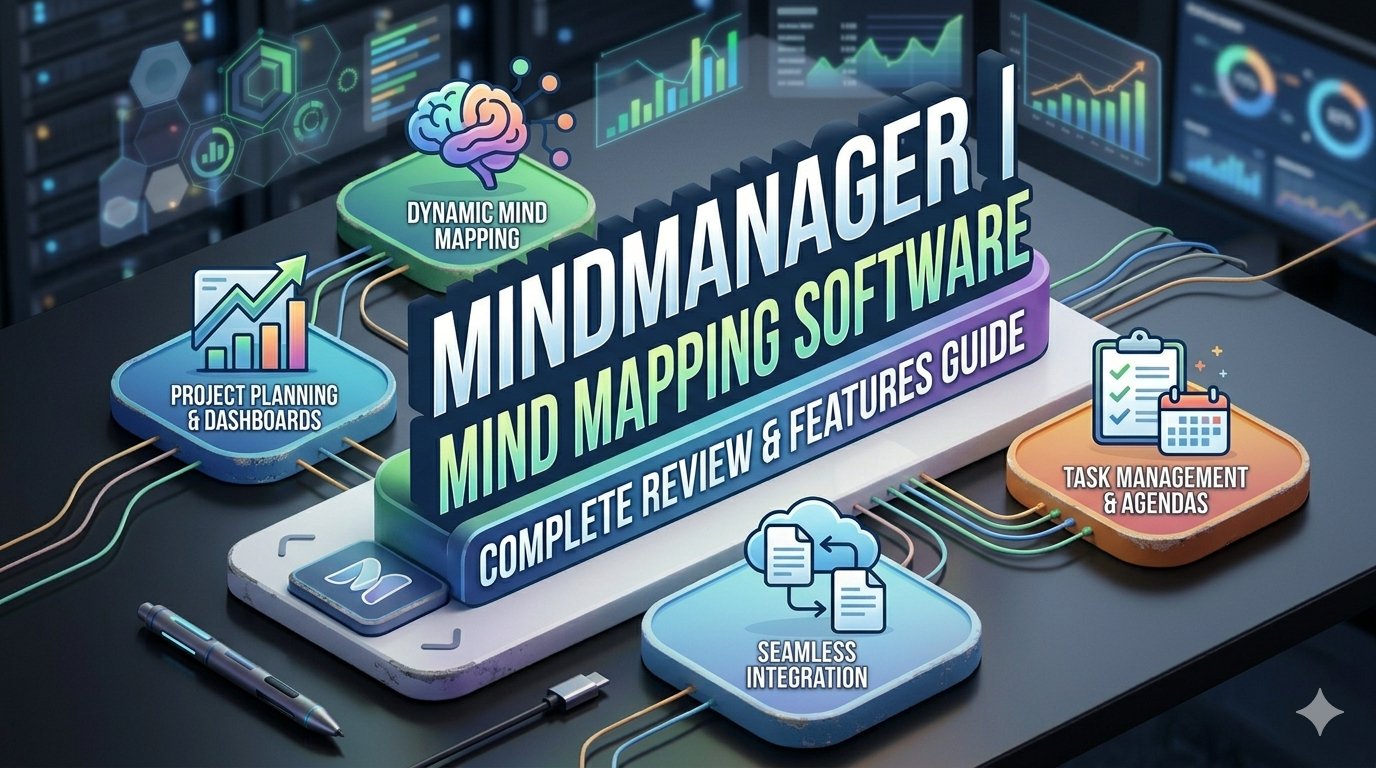
Discover a complete and in-depth review of MindManager, one of the most powerful mind mapping and visual planning tools available today. This guide explores its key features, pricing, pros and cons, and how it compares to other popular tools in 2026. Learn how MindManager helps individuals and teams organize ideas, manage projects, and boost productivity through visual workflows. Whether you’re a student, professional, or business owner, this article will help you decide if MindManager is the right tool for your needs.
Introduction to MindManager

What is MindManager?
If you’ve ever felt overwhelmed by scattered ideas, endless to-do lists, or messy project plans, you’re not alone. This is exactly where MindManager steps in like a digital brain assistant. It’s a powerful mind mapping and visualization software designed to help you organize ideas, plan projects, and turn chaos into clarity.
At its core, MindManager allows you to create structured visual maps that connect ideas, tasks, and data in one place. Instead of juggling multiple documents, spreadsheets, and sticky notes, you can centralize everything into one dynamic visual workspace. According to recent data, MindManager is widely used for brainstorming, project management, and strategic planning, making it a go-to tool for businesses and individuals alike .
What makes it stand out? It goes beyond simple mind maps. Think of it as a hybrid between a brainstorming tool and a project management system. You can add tasks, deadlines, notes, and even integrate data from other tools. That means your ideas don’t just stay ideas—they evolve into actionable plans.
Why Mind Mapping Tools Matter in 2026
Let’s be honest—traditional note-taking is outdated. In 2026, productivity is all about visual thinking. Why? Because our brains process visuals faster than text. Mind mapping tools like MindManager tap into this natural ability, helping you see connections you might otherwise miss.
Modern workflows are more complex than ever. Teams are remote, projects are multi-layered, and information is constantly flowing. Without proper organization, things fall apart quickly. That’s why tools like MindManager are gaining traction—they simplify complexity.
In fact, many users highlight how MindManager improves productivity and collaboration by turning abstract ideas into structured visuals . Whether you’re a student planning your study schedule or a manager handling multiple projects, visual mapping helps you stay on track.
Key Features of MindManager
Visual Mind Mapping & Diagram Tools
MindManager’s core strength lies in its ability to transform ideas into visual maps. Imagine starting with a central idea and branching out into subtopics, tasks, and details. It’s like building a tree of thoughts where every branch makes sense.
You’re not limited to mind maps either. The software supports:
- Flowcharts
- Concept maps
- Organizational charts
- Process diagrams
This flexibility makes it useful for everything from brainstorming sessions to business strategy planning.
Templates and Customization Options
One of the biggest advantages is the availability of ready-made templates. You don’t have to start from scratch every time. Whether you’re planning a marketing campaign or mapping out a workflow, there’s a template for it.
Customization is another strong point. You can:
- Change layouts and themes
- Add icons, tags, and images
- Link files and documents
This degree of customization guarantees that your maps are both aesthetically pleasing and useful.
Project Management Capabilities
This is where MindManager truly excels—it’s not only for concepts, but also for carrying them out.
You can assign tasks, set priorities, and track progress directly within your maps. This eliminates the need to switch between multiple tools, saving time and reducing confusion.
Gantt Charts and Task Tracking
MindManager includes Gantt chart functionality, which allows you to visualize project timelines and dependencies. This is a game-changer for teams managing complex projects.
Features include:
- Task dependencies
- Milestone tracking
- Resource allocation
These capabilities make it comparable to dedicated project management tools. According to reports, MindManager integrates task management directly into visual maps, helping teams move from planning to execution seamlessly .
Collaboration & Integration Features

In today’s work environment, collaboration is everything. MindManager makes it easy for teams to work together, even remotely.
You can share maps, co-edit in real time, and integrate with popular tools.
Microsoft Office Integration
One of its standout features is deep integration with Microsoft Office. You can connect your maps with:
- Excel
- Word
- Outlook
- SharePoint
This is especially useful for organizations already using Microsoft tools. It allows data to flow seamlessly between platforms, reducing duplication and improving efficiency .
MindManager Pricing Breakdown
Subscription Plans
Let’s talk numbers. MindManager offers multiple pricing options depending on your needs:
| Plan | Price | Key Features |
| Essential | $99/year | Basic planning & mind mapping |
| Professional | $169/year | Advanced features & collaboration |
| One-time Purchase | ~$349 | Lifetime license |
| Enterprise | Custom | Team-wide solutions |
These prices are based on the latest available data for 2026 .
There’s also a free trial, so you can test the software before committing.
Value for Money Analysis
Is MindManager worth it? That depends on your needs.
For individuals, the price might feel a bit high compared to simpler tools. However, for businesses and teams, the value becomes clear. You’re not just paying for a mind mapping tool—you’re getting a complete productivity system.
Many users rate it highly, with an average score of around 4.5–4.6 out of 5, indicating strong satisfaction .
Pros and Cons of MindManager
Advantages
MindManager has plenty of strengths that make it stand out:
- Powerful visualization capabilities
- Combines brainstorming and project management
- Strong integration with Microsoft tools
- Highly customizable templates
- Suitable for individuals and enterprises
Limitations
No tool is perfect, and MindManager has its drawbacks:
- Steep learning curve for beginners
- Higher pricing compared to basic tools
- Limited collaboration features compared to some competitors
- Can feel complex for simple use cases
Some users specifically mention the learning curve and pricing as potential challenges .
MindManager vs Competitors
Comparison Table
| Feature | MindManager | XMind | Miro | Lucidchart |
| Mind Mapping | ✅ Advanced | ✅ Basic | ⚠️ Limited | ⚠️ Limited |
| Project Management | ✅ Strong | ❌ No | ⚠️ Moderate | ⚠️ Moderate |
| Collaboration | ✅ Good | ⚠️ Limited | ✅ Excellent | ✅ Strong |
| Pricing | 💲 Mid-High | 💲 Low | 💲 Medium | 💲 Medium |
| Integrations | ✅ Extensive | ⚠️ Limited | ✅ Strong | ✅ Strong |
MindManager clearly stands out for structured planning and enterprise use, while competitors often focus on simplicity or collaboration.
Who Should Use MindManager?

Best Use Cases
MindManager isn’t for everyone—and that’s a good thing. It’s designed for people who need serious organization and planning power.
It’s ideal for:
- Project managers handling complex workflows
- Business teams planning strategies
- Consultants organizing client data
- Students managing research and notes
If you just want simple mind maps, this tool might feel like overkill. But if you need depth and structure, it’s a perfect fit.
Read More:-
Why STRIPO is Essential for Digital Product Marketers
Maximize Your Customer Engagement with LiveAgent’s Features
Boost Your E-commerce Strategy with YITH Plugins
Building Your Dream Website with Site123
How Does Strikingly Simplify the Website Building Process?
Why ContentStudio & Leadpages Are Essential for E-commerce Success
LiveChat: Transforming Customer Support for Digital Entrepreneurs
User Reviews & Ratings
User feedback is overwhelmingly positive. Most users appreciate the ease of organizing complex information visually.
Key highlights from reviews:
- High usability and flexibility
- Strong visualization tools
- Effective for brainstorming and planning
However, some users note that it takes time to fully understand all features. Once mastered, though, it becomes an indispensable tool.
Final Verdict
MindManager is not just another mind mapping tool—it’s a comprehensive productivity platform. It bridges the gap between brainstorming and execution, helping you turn ideas into actionable plans.
If you’re serious about productivity, project management, and visual thinking, MindManager is worth considering. Yes, it comes with a learning curve and a price tag, but the value it delivers can outweigh both.



Conclusion
MindManager proves that mind mapping isn’t just about drawing diagrams—it’s about thinking smarter, planning better, and executing faster. In a world where information overload is the norm, having a tool that organizes everything visually can be a game-changer.
Whether you’re managing a team, planning a project, or simply trying to organize your thoughts, MindManager offers the tools you need to succeed. It’s powerful, flexible, and built for modern workflows.
FAQs
Q. Is MindManager free to use?
A. No, MindManager is a paid tool, but it offers a free trial so you can test its features before buying.
Q. Is MindManager suitable for beginners?
A. It can be used by beginners, but there is a learning curve due to its advanced features.
Q. Can MindManager replace project management tools?
A. For many users, yes. It includes task management, timelines, and collaboration features.
Q. Does MindManager work offline?
A. Yes, the desktop version works offline, making it reliable even without internet access.
Q. What makes MindManager different from other mind mapping tools?
A. Its ability to combine visual mapping with project management and data integration sets it apart.