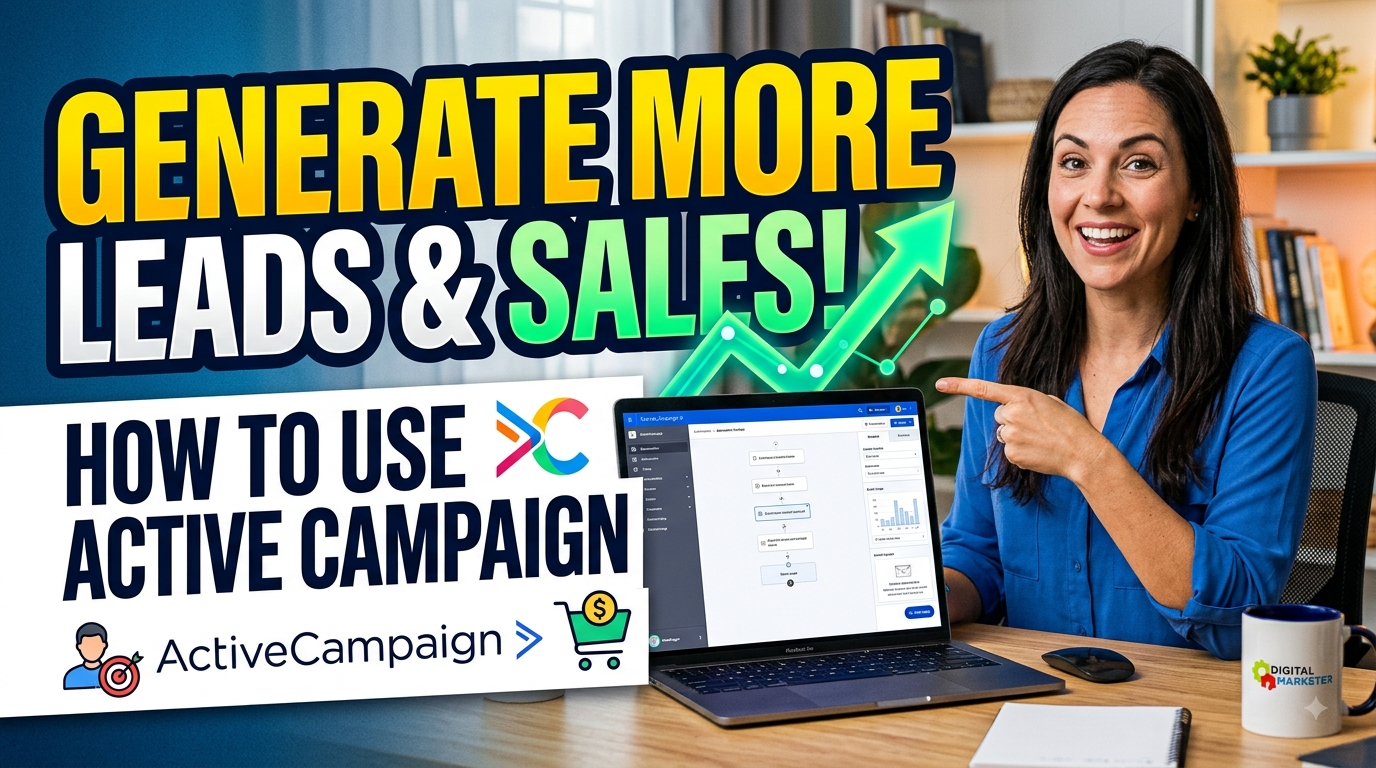
Active Campaign is a powerful marketing automation and CRM platform that helps businesses generate more leads, nurture prospects, and increase sales through personalized customer journeys. With features such as email marketing, lead scoring, audience segmentation, automated follow-ups, CRM management, and behavioral targeting, Active Campaign enables businesses to connect with potential customers at the right time with the right message. Whether you are a small business, marketer, or growing company, Active Campaign can simplify lead generation, improve customer engagement, automate repetitive tasks, and create a more effective sales process that turns prospects into loyal customers.
Understanding ActiveCampaign for Lead Generation
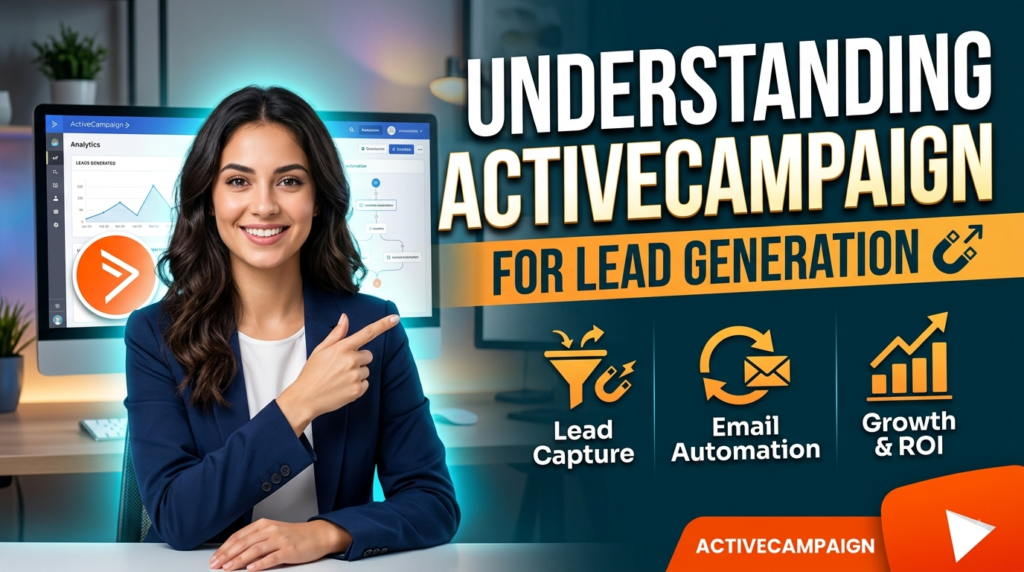
If your business is generating leads but too many of them disappear somewhere between the first form submission and the final purchase, the problem may not be a lack of traffic. It may be the way those leads are being handled after they arrive. ActiveCampaign is designed to connect marketing automation, customer data, email communication, lead nurturing, and sales processes so businesses can build a more consistent customer journey. ActiveCampaign currently describes its platform as combining marketing automation, sales automation, CRM capabilities, lead scoring, and AI-driven insights, making it more than a basic email marketing tool. The real opportunity comes from using these capabilities as one connected system rather than treating email campaigns, forms, CRM records, and sales follow-ups as separate activities. Imagine your marketing process as a relay race: your advertisement brings the customer to the starting line, your landing page receives the baton, your email sequence keeps the runner moving, and your sales team needs to receive that baton at exactly the right moment. When those handoffs are slow or confusing, potential customers can lose interest. When they are automated and relevant, your business has a much better chance of turning attention into conversations and conversations into revenue.
What Makes ActiveCampaign Useful for Businesses
The biggest strength of ActiveCampaign is its ability to automate repetitive customer interactions without making every prospect feel like a generic entry in a database. Instead of manually sending the same welcome email, remembering every follow-up, checking which contacts opened a campaign, and notifying sales representatives about promising prospects, you can build workflows that react to customer behavior. ActiveCampaign explains that its automation builder can execute actions automatically once an automation has been configured, helping businesses save time and improve their marketing and sales processes. That means you can design a journey around what people actually do rather than simply what you hope they will do. A person who downloads an ebook can receive educational content, while someone who visits a pricing page repeatedly can be treated differently because their behavior suggests stronger buying intent. This distinction matters because modern customers rarely move from stranger to buyer in one step. They usually need information, reassurance, proof, reminders, and sometimes a little motivation before making a purchase. ActiveCampaign gives you the framework to create those interactions systematically, allowing a small marketing team to operate with much greater consistency.
Marketing Automation and Lead Management
Marketing automation becomes particularly powerful when you connect it to a clear lead-management strategy. The first goal should not simply be collecting as many email addresses as possible; it should be collecting people who have some legitimate reason to continue the conversation with your business. Once someone enters your database, ActiveCampaign can use triggers and actions to determine what happens next. Actions can include sending emails or messages, updating contact information, changing contact scores, moving contacts into other automations, and sending internal notifications. You can therefore build a process where the system does the routine work while your team focuses on higher-value conversations. For example, a software company might offer a free guide to people researching a problem, educate those prospects over several days, identify people who repeatedly engage with product-related content, and then alert a salesperson when their behavior reaches a defined threshold. This approach creates a bridge between marketing and sales. Instead of sales representatives receiving a spreadsheet filled with cold names, they can spend more time talking to prospects who have demonstrated meaningful interest.
How ActiveCampaign Connects Marketing With Sales
A strong lead-generation system does not end when someone submits a form. The real challenge begins afterward: how do you move that person toward a buying decision without becoming annoying? ActiveCampaign’s CRM and automation capabilities can help create that bridge by allowing marketing activity and sales activity to work together. The platform supports deal management through automation, including creating deals when contacts complete meaningful actions such as submitting forms, visiting webpages, or achieving defined goals. This gives businesses the ability to translate digital behavior into sales activity. Instead of saying, “We have 2,000 subscribers,” you can start asking more useful questions such as, “Which subscribers are showing buying intent?” and “Which prospects need a sales conversation right now?” That change in thinking can dramatically improve efficiency. Your goal is not to bombard every contact with sales messages. Your goal is to recognize where each prospect is in the buying journey and provide the appropriate next step.
Build a Lead Capture System With ActiveCampaign
Before you automate anything, you need a reliable way to capture leads. Think of your lead-generation funnel like a bucket: if the bucket has holes, pouring more traffic into it will not solve the problem. Your website, landing pages, advertisements, social campaigns, webinars, downloads, and other channels should direct prospects toward a clear conversion point. ActiveCampaign provides no-code signup forms designed to help businesses capture opportunities, while its broader platform supports landing pages and marketing automation depending on the plan. The important thing is to give visitors a reason to provide their information. A vague “Subscribe to our newsletter” request may work for an established brand, but many businesses will generate stronger results by offering something connected to the visitor’s immediate problem. That could be a free consultation, product demonstration, checklist, calculator, report, discount, template, educational guide, webinar, or useful email course. Once the prospect submits the form, the experience should continue immediately rather than leaving the person wondering what happens next.
Create High-Converting Forms and Landing Pages
Your form should ask for enough information to help you understand the lead, but not so much that the visitor feels as though they are applying for a mortgage. Every additional field introduces friction, so think carefully about what your sales and marketing teams actually need. If a first name and email address are enough to begin nurturing someone, start there. You can collect additional information later through progressive profiling, surveys, conversations, or behavior. Your landing-page copy should also make the value exchange obvious: what does the visitor get, how quickly will they get it, and why should they trust you? Once a person converts, ActiveCampaign can trigger an immediate welcome message and place the contact into an appropriate nurturing journey. ActiveCampaign’s current automation documentation specifically describes using a form or list subscription as a trigger for a welcome email and subsequent nurture sequence. This immediate response matters because interest is often strongest immediately after someone takes action. Waiting two days to respond to a prospect is like answering a ringing phone after the caller has already hung up.
Offer Something Valuable in Exchange for Contact Details
A lead magnet should solve a small but meaningful problem rather than simply advertise your company. If you sell accounting software, for example, a useful downloadable guide could explain how small businesses can prepare for tax season. If you sell marketing services, you might offer a website conversion checklist. If you operate an online education business, a free lesson or practical template can demonstrate your expertise before asking someone to purchase. The strongest lead magnets naturally connect to the paid product because the person who finds the free resource useful should logically have a reason to explore the next step. Once the lead enters ActiveCampaign, use the information collected from the form to start a relevant journey rather than placing every person into one giant list. This is where the difference between simple email broadcasting and genuine automation becomes obvious. Instead of sending the same five emails to everyone, you can create different paths based on interests, actions, engagement, or customer stage.
Organize Leads With Tags, Lists, and Segmentation
Good segmentation turns a database from a pile of names into something your marketing team can actually understand. You might segment contacts according to product interest, industry, geographic market, lead source, lifecycle stage, engagement level, previous purchases, or behavior on your website. The exact structure depends on your business, but the principle is universal: the more relevant your message, the more useful your communication becomes. ActiveCampaign’s current plans include segmentation capabilities that expand as you move into higher tiers, with more advanced segmentation and reporting available on Professional and Enterprise plans. You should avoid creating hundreds of confusing tags simply because the platform allows them. Instead, establish a naming system that everyone on your team understands. For example, tags such as interest-saas, lead-source-webinar, and stage-qualified can communicate useful information when used consistently. Your database should answer three basic questions quickly: who is this person, what do they care about, and what should happen next?
Use Automation to Nurture Leads
Lead nurturing is where ActiveCampaign can become a serious revenue engine. Most people who first encounter your business are not ready to buy immediately, and treating every new subscriber as though they are ready to purchase can create unnecessary unsubscribes. A nurture sequence gives prospects time to learn about the problem, understand your approach, see evidence that your solution works, and become comfortable with your brand. The sequence should feel like a conversation rather than a machine firing promotional emails. Start by identifying the questions a new prospect is likely to have. Then create a logical progression: introduce the problem, explain possible solutions, provide practical advice, demonstrate credibility, handle common objections, present your product or service, and finally make a clear offer. ActiveCampaign’s automation system allows businesses to combine triggers and actions to build these journeys, while its current plans offer progressively more advanced automation capabilities.
Create a Welcome and Nurture Sequence
Your first email should deliver exactly what the person expected when they submitted the form. If they requested a guide, give them the guide. If they registered for a webinar, confirm the registration. If they requested a demo, explain what happens next. Then use subsequent messages to add value rather than immediately pushing for a sale. A five-email sequence might begin with the promised resource, continue with an educational lesson, introduce a common mistake, share a customer success story, and then offer a product demonstration or consultation. The exact number of emails is less important than the logic connecting them. You can also use conditions to change the journey according to engagement. Someone who never opens your messages may need a different approach from someone who opens every email and clicks your pricing link. ActiveCampaign supports automation actions that can communicate externally and update internal CRM information, allowing marketing behavior to influence subsequent steps.
Personalize Emails Based on Lead Behavior
Personalization is not simply putting someone’s first name into an email subject line. Real personalization means using relevant information to change what the person receives. Suppose two prospects download the same marketing guide, but one repeatedly visits your pricing page while the other reads only beginner-level educational content. Sending both prospects the same message wastes an opportunity. The first person may need a comparison guide, case study, demo invitation, or sales conversation, while the second may need more educational material. Behavioral personalization can also include email engagement, website visits, form submissions, product interactions, event attendance, and purchase history. The goal is to make each communication feel like the logical next step rather than an interruption. When prospects receive information that matches their current needs, your emails can become useful touchpoints instead of background noise.
Use Lead Scoring to Identify High-Intent Prospects
Lead scoring is especially useful when your business has more leads than your sales team can realistically contact one by one. You can assign greater importance to behaviors that indicate stronger buying intent. Opening an educational email might show mild interest, while repeatedly visiting a pricing page, requesting a demo, or interacting with a product-specific offer could indicate much stronger intent. ActiveCampaign’s CRM offering includes lead scoring, and its CRM resources also include deal scoring and win-probability functionality. The important part is designing a scoring model that reflects your actual sales process instead of randomly assigning points to every interaction. Once a prospect crosses your chosen qualification threshold, the system can notify the sales team, create or update a deal, change the contact’s stage, or move the person into a more sales-focused automation. This prevents sales representatives from spending their day manually searching for signals hidden inside hundreds or thousands of contact records.
Turn Qualified Leads Into Sales
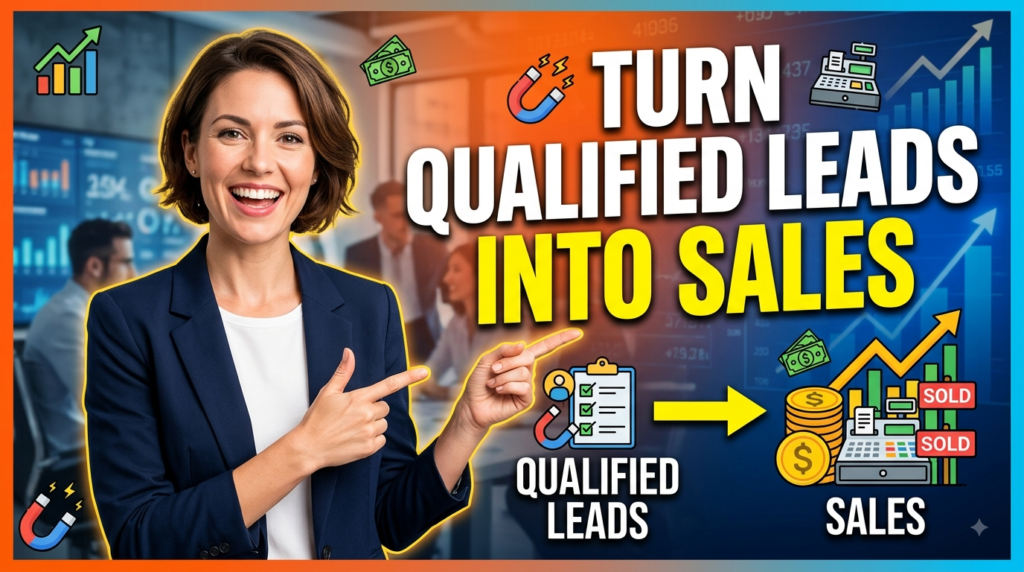
Once a lead demonstrates enough intent, the objective changes from broad education to conversion. This is where marketing and sales need to work as one system. A qualified prospect should not remain trapped inside a generic newsletter sequence after showing strong purchase intent. Instead, the automation should recognize the change and route the person toward an appropriate sales action. ActiveCampaign supports automated deal creation and management, allowing workflows to create deals when contacts complete desired behaviors and update deal-related information as prospects move through the pipeline. This can create a much cleaner sales process because the CRM reflects actual customer behavior rather than relying entirely on manual data entry. Imagine a prospect who downloads your guide, attends your webinar, clicks several product emails, and visits your pricing page. Instead of waiting for someone to notice those signals, your automation can turn that activity into a sales opportunity.
Connect Leads to the CRM and Sales Pipeline
A CRM becomes useful when it helps your team decide what to do next. Your pipeline might include stages such as New Lead, Marketing Qualified, Sales Qualified, Discovery, Proposal, Negotiation, Won, and Lost, although your exact stages should match your business. The important part is defining what must happen before a lead moves from one stage to another. You can then use ActiveCampaign automations to support those transitions and keep records updated. ActiveCampaign’s current CRM automation capabilities also include triggers and actions related to deal stages, deal properties, ownership, and status. This creates opportunities for automated task assignment and follow-up. If a deal enters a sales stage, the assigned representative can receive a notification. If a prospect stops responding, an appropriate follow-up can be triggered. If a deal is won, the customer can automatically enter an onboarding or retention journey. In other words, the CRM stops being a digital filing cabinet and starts becoming an operating system for your sales process.
Automate Follow-Ups and Deal Management
Follow-up is one of the easiest places for potential revenue to disappear. A salesperson may have an excellent conversation with a prospect and genuinely intend to follow up, but meetings happen, emails arrive, and priorities change. Automation can create consistency without removing the human element. You might automate a reminder after a certain number of days, send helpful information after a sales call, notify a representative when a prospect returns to a key page, or move a deal when a defined condition is met. ActiveCampaign’s automation actions can update deals and contact scores as well as send internal notifications, making it possible to coordinate marketing and sales activity inside workflows. The best strategy is not to automate every salesperson interaction. Automate the administrative and repetitive parts so salespeople have more time for the conversations that actually require judgment, empathy, negotiation, and relationship-building.
Use Multichannel Marketing to Increase Conversions
Email remains an important channel, but today’s customer journeys can involve several touchpoints. Depending on your plan, integrations, and setup, ActiveCampaign can support broader multichannel journeys involving email, SMS, WhatsApp, advertising, CRM activity, and other connected applications. ActiveCampaign’s 2026 product updates describe expanded automation triggers and actions across scheduling, payments, CRM, advertising lead forms, calls, and messaging tools. This matters because prospects do not necessarily behave in neat, predictable sequences. Someone might see your LinkedIn advertisement, submit a form through a campaign, schedule a meeting, receive an email, and later become a customer through a sales call. A connected automation system can recognize those events and respond appropriately. The key is to avoid turning multichannel marketing into multichannel spam. Each channel should have a purpose. Email can educate, SMS can deliver timely reminders, advertising can reinforce awareness, and sales outreach can handle personal questions.
Read More:-
How Does Strikingly Simplify the Website Building Process?
Building Your Dream Website with Site123
Boost Your E-commerce Strategy with YITH Plugins
Maximize Your Customer Engagement with LiveAgent’s Features
Why STRIPO is Essential for Digital Product Marketersa
Measure, Optimize, and Scale Your Lead Generation
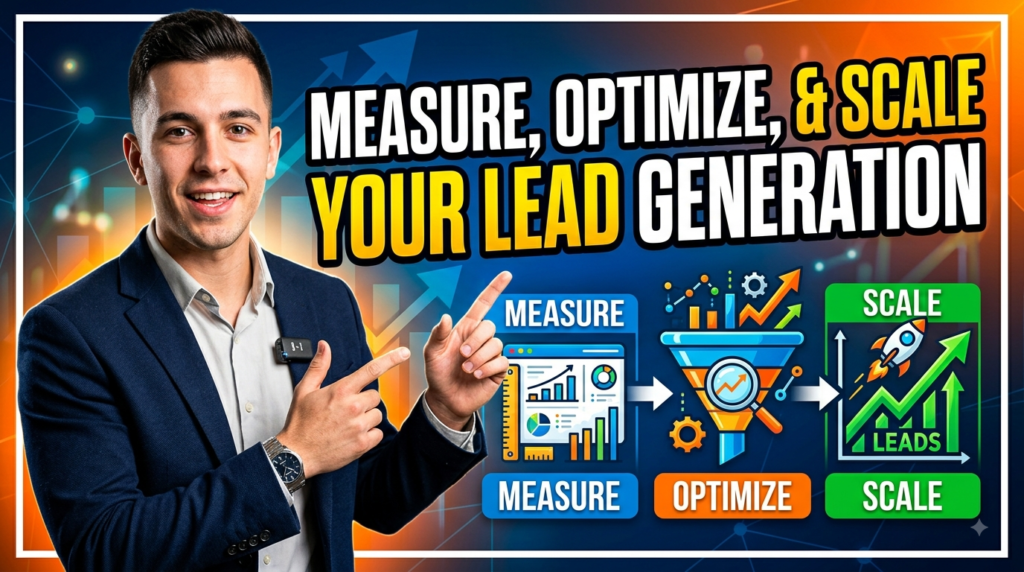
An automation is not finished simply because you turned it on. The first version is a hypothesis about what your audience will respond to. Your job is to watch the data, identify bottlenecks, and improve the journey over time. ActiveCampaign’s current plans include campaign reporting and analytics, while higher-level plans add more advanced reporting, attribution, predictive sending, conditional content, and related optimization features. Instead of obsessing over one metric such as email open rate, build a measurement chain that connects marketing activity to business outcomes. Ask how many people entered the funnel, how many became qualified, how many received sales attention, how many purchased, and how much revenue the campaign generated. This allows you to distinguish between activity and impact. A campaign that produces thousands of clicks but few sales may look impressive in a dashboard while quietly failing commercially.
Track Campaign and Conversion Performance
Start with a small number of metrics that directly support business decisions. Lead volume tells you whether your acquisition channels are producing contacts. Conversion rate tells you whether your landing pages and offers are working. Engagement tells you whether your nurture content is relevant. Qualified-lead rate tells you whether you are attracting the right people. Sales conversion rate and revenue tell you whether the entire system is actually producing business results. You can then identify where the funnel is leaking. If traffic is high but form submissions are low, your offer or landing page may need improvement. If lead volume is strong but qualified leads are weak, targeting may be the issue. If qualified leads are plentiful but sales are low, your sales process, offer, pricing, follow-up, or messaging may need attention. This funnel-based approach is much more useful than changing random email subject lines without understanding the bigger picture.
Test Your Emails, Offers, and Automation Workflows
Testing should become a habit rather than a one-time project. You can experiment with subject lines, calls to action, email length, offers, timing, landing-page copy, lead magnets, segmentation rules, and nurture sequences. ActiveCampaign’s current feature set includes A/B campaign testing, with additional testing and optimization capabilities available on higher plans. But testing does not mean changing five things at once and declaring a winner. If you change the subject line, offer, email content, sending time, and audience simultaneously, you may not know what caused the result. Start with a clear hypothesis. For example, if you believe prospects are not booking demos because they are uncertain about implementation, test an email that addresses implementation concerns against your existing message. Over time, small improvements can compound. A two-percent improvement here and a three-percent improvement there can create a meaningful difference when the funnel processes thousands of leads.
Use AI and Active Intelligence to Improve Efficiency
ActiveCampaign has also expanded its AI capabilities, making AI increasingly relevant to campaign creation and automation design. Its current Active Intelligence capabilities allow users to generate campaign and automation ideas through prompts, gain insights from campaign and customer information, and create lead-capture experiences through conversational interactions. In 2026, ActiveCampaign also announced event-driven automation capabilities connected to tools such as Calendly, Stripe, Salesforce, Facebook Ad Forms, Google Lead Forms, LinkedIn Lead Gen, and Aircall. These developments can reduce the technical barrier to building sophisticated workflows. Instead of spending hours manually constructing every step, marketers can use AI-assisted features to accelerate the initial setup and then refine the workflow according to their strategy. The important distinction is that AI should support your marketing thinking, not replace it. A badly designed funnel can be automated perfectly and still produce disappointing results. First decide who you want to attract, what problem you solve, why prospects should trust you, and what action you want them to take; then use automation and AI to make that journey more efficient.


Conclusion
Using ActiveCampaign to generate more leads and sales is not about sending more emails or building the most complicated automation possible. It is about creating a connected customer journey in which every interaction has a purpose. Start with a strong lead magnet and conversion-focused form, organize contacts using sensible segmentation, build a helpful nurture sequence, use behavioral signals and lead scoring to identify serious prospects, and connect qualified leads to a structured sales pipeline. From there, use automation to handle repetitive follow-ups while your sales team concentrates on meaningful conversations. ActiveCampaign’s current platform supports marketing automation, CRM functionality, lead scoring, deal automation, segmentation, reporting, and increasingly AI-powered workflows, giving businesses a broad toolkit for connecting acquisition and revenue activities. The businesses that get the most from the platform will not necessarily be the ones with the largest number of automations; they will be the ones that understand their customers and use automation to deliver the right message at the right moment. Treat ActiveCampaign like a well-designed sales assistant rather than a button you press to send emails, and it can become a powerful part of a scalable lead-generation strategy.
Frequently Asked Questions
Q. Is ActiveCampaign good for lead generation?
A. Yes. ActiveCampaign is designed to support lead capture, segmentation, marketing automation, lead nurturing, CRM activity, and sales processes. Its current platform includes tools that can help businesses move prospects from initial discovery through nurturing and toward sales conversations. Its value becomes strongest when these features are connected into a complete funnel instead of being used independently.
Q. How can I generate leads with ActiveCampaign?
A. Start by creating a valuable offer and placing an ActiveCampaign form on a relevant landing page or website location. Once someone submits the form, place them into a targeted automation that delivers the promised resource and begins a relevant nurture sequence. You can then segment the contact based on interests and behavior, score engagement, and eventually route high-intent prospects into your sales process.
Q. Can ActiveCampaign automate sales follow-ups?
A. Yes. ActiveCampaign provides automation capabilities that can update deals, manage sales-related information, send notifications, and trigger actions based on customer or deal behavior. This can help sales teams reduce manual administrative work and maintain more consistent follow-up.
Q. Does ActiveCampaign support lead scoring?
A. Yes. Lead scoring is part of ActiveCampaign’s CRM and sales capabilities, and the platform also provides resources for deal scoring and related sales intelligence. A useful scoring model should prioritize behaviors that genuinely indicate buying intent rather than assigning arbitrary points to every interaction.
Q. How much does ActiveCampaign cost?
A. ActiveCampaign’s current official information says packages start at $15 per month, with pricing varying according to contact volume and feature requirements. It also offers a 14-day free trial, while specific features and limits vary by plan. Because pricing and packaging can change, businesses should check the current official pricing information before choosing a plan.