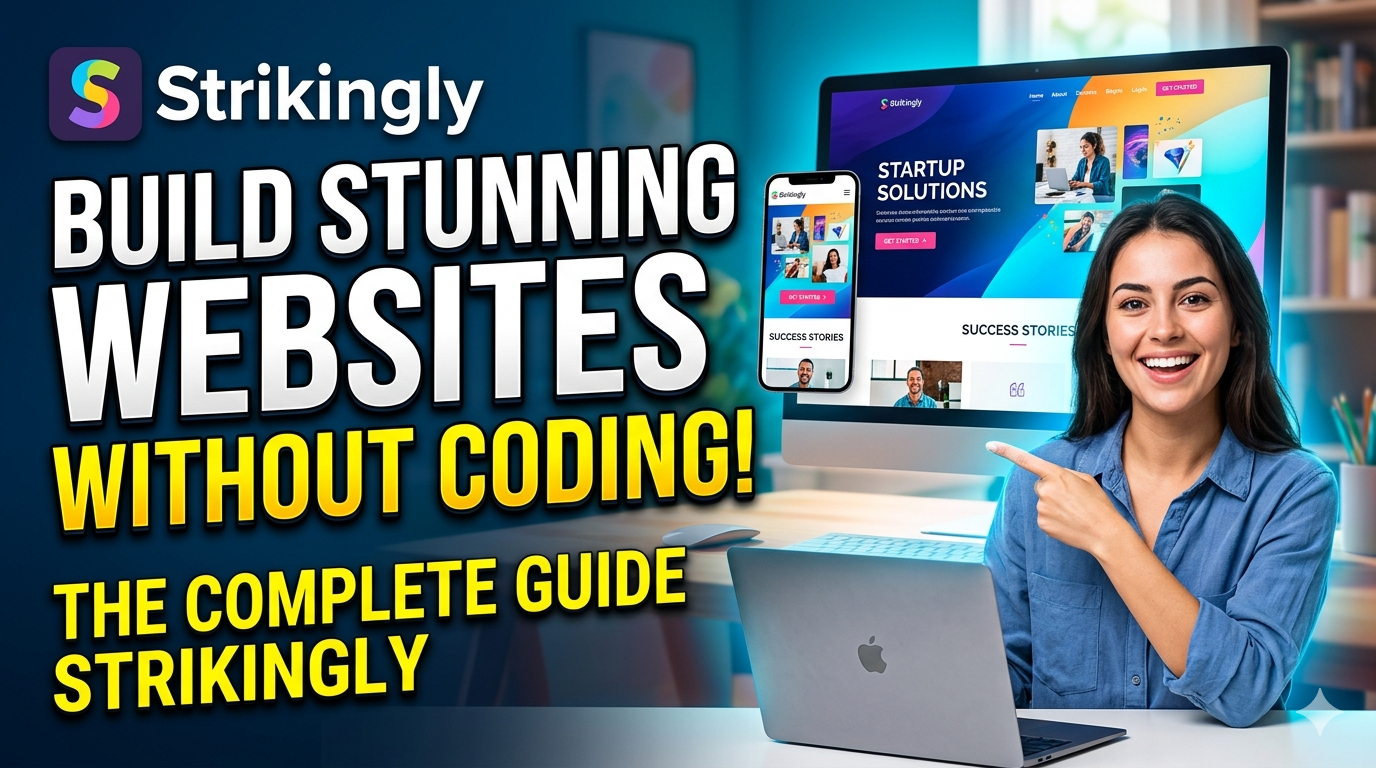
Discover everything you need to know about Strikingly in this complete beginner-friendly guide. Learn how to build stunning, mobile-responsive websites without coding, explore its top features, pricing plans, SEO tools, eCommerce capabilities, and compare it with popular website builders like Wix, Squarespace, and Shopify. Whether you are a freelancer, entrepreneur, blogger, or small business owner, this guide will help you decide if Strikingly is the right no-code platform for creating a professional online presence quickly and easily.
Table of Contents
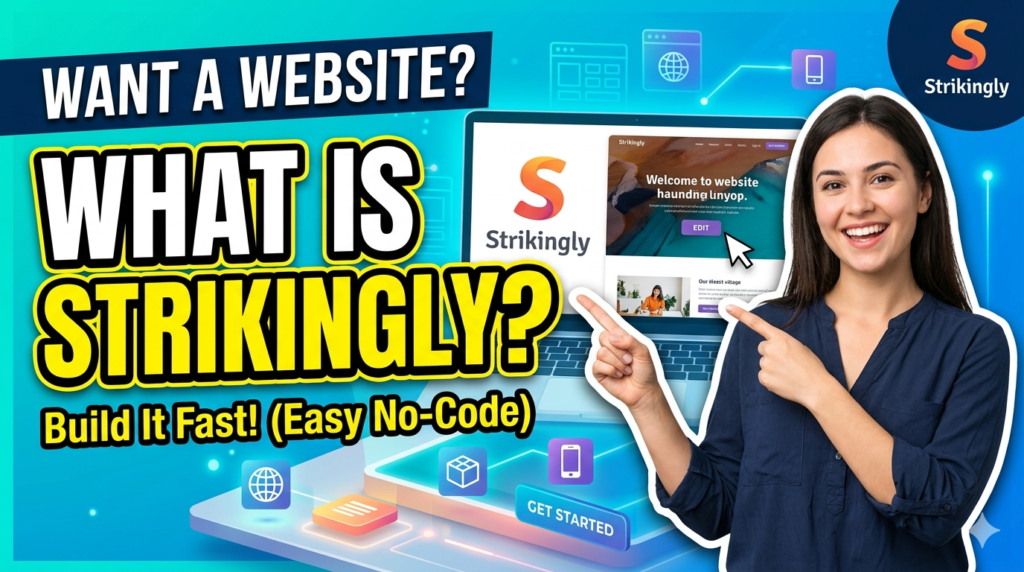
What Is Strikingly?
The Story Behind the Platform
Strikingly is a cloud-based website builder created to help anyone design and publish websites without coding experience. Founded in 2012, the platform quickly gained attention because it focused heavily on simplicity and mobile-friendly design. While many website builders tried to provide hundreds of advanced customization tools, Strikingly approached the market differently. It focused on helping users create clean, modern, single-page websites quickly and efficiently. That strategy turned out to be incredibly smart because businesses increasingly needed landing pages, portfolios, startup sites, and personal branding pages that loaded quickly and looked great on smartphones.
The founders reportedly launched the platform after recognizing that many people had valuable ideas but lacked technical skills. Instead of forcing users to learn HTML, CSS, JavaScript, hosting configurations, and server management, Strikingly condensed the entire process into a visual editor. Today, millions of websites have reportedly been created using no-code builders, and Strikingly remains one of the most recognized names in that space.
One reason the platform continues to attract beginners is its learning curve. Think of it like driving an automatic car instead of a manual transmission vehicle. Both can get you to the same destination, but one requires far less technical effort. Strikingly is designed exactly that way. The platform removes unnecessary friction and allows users to focus on design, branding, and content rather than technical complexity.
Why Strikingly Became Popular
The rise of remote work, freelancing, digital entrepreneurship, and creator-based businesses has fueled demand for simple website builders. People no longer want to wait weeks for a developer to create a basic online presence. They want something fast, affordable, and visually appealing. Strikingly capitalized on that demand perfectly.
Recent website builder comparisons continue to highlight Strikingly as one of the best options for one-page websites and landing pages. The platform also appeals to users because it includes hosting, security, SSL certificates, and maintenance within the service itself. That means users avoid dealing with many of the technical headaches associated with traditional website development.
Another factor behind its popularity is mobile responsiveness. In today’s digital landscape, mobile traffic dominates internet usage. Strikingly templates automatically adapt to different screen sizes, which means websites look polished on phones, tablets, and desktops without additional coding. For beginners, that feature alone can save enormous amounts of time and frustration.
Key Features of Strikingly
Drag-and-Drop Website Builder
The core feature of Strikingly is its drag-and-drop website builder. This editor allows users to add sections, images, text, buttons, forms, galleries, and videos through a simple visual interface. Instead of coding layouts manually, you simply click, drag, and customize elements in real time.
This ease of use is why many beginners gravitate toward the platform. You do not need design software, programming knowledge, or technical troubleshooting skills. Even someone building a website for the first time can understand the editor within minutes. That accessibility makes Strikingly especially appealing for freelancers, artists, photographers, consultants, and small business owners who want results quickly.
The editor also includes pre-designed content blocks that help maintain visual consistency. Rather than starting from a blank screen, users work with structured layouts that already follow modern design principles. It is a bit like assembling furniture with pre-cut pieces instead of chopping wood from scratch. The process becomes dramatically easier and more approachable.
Mobile-Responsive Templates
Templates are one of Strikingly’s strongest selling points. The platform offers sleek, modern, and responsive templates optimized for mobile devices. Recent reviews continue to praise Strikingly’s ability to create mobile-friendly sites effortlessly.
Users can choose templates designed for:
- Online portfolios
- Restaurants
- Personal brands
- Startups
- Events
- Coaches
- Online stores
- Bloggers
- Agencies
The templates focus heavily on clean aesthetics, bold typography, and scrolling experiences that feel smooth and engaging. While some advanced designers may find customization options slightly restrictive compared to platforms like Wix or Webflow, beginners often see this limitation as an advantage because it prevents messy or inconsistent designs.
Built-In Blogging Tools
Strikingly also includes integrated blogging functionality. Users can create blog posts, organize categories, optimize articles for SEO, and publish content regularly. For entrepreneurs trying to build authority online, blogging remains one of the most effective ways to attract organic search traffic.
The blogging editor is straightforward and beginner-friendly. You can add images, embed media, format text, and manage content without technical knowledge. While advanced publishers may eventually outgrow the system, it works extremely well for small businesses and personal brands that want to maintain an active content strategy.
eCommerce Capabilities
One surprising feature of Strikingly is its built-in eCommerce support. Many people assume it only supports portfolios or simple landing pages, but the platform also allows users to sell products online.
Recent reviews show that paid plans support expanded product catalogs, custom domains, and reduced transaction limitations. The eCommerce tools include:
| Feature | Availability |
| Product Listings | Yes |
| Digital Products | Yes |
| Coupon Codes | Yes |
| Inventory Management | Yes |
| Payment Gateways | Yes |
| Mobile Checkout | Yes |
The online store system is not as advanced as Shopify, but it works well for smaller stores and creators selling limited products or digital downloads.
How Strikingly Works
Creating Your First Website
Getting started with Strikingly is incredibly simple. After creating an account, users choose a template and immediately begin editing content. The setup process feels almost conversational because the platform guides users step by step.
You can replace placeholder text, upload images, modify colors, and rearrange sections with minimal effort. The editor updates changes instantly, which creates a satisfying real-time experience. For beginners, this instant feedback reduces confusion and makes the platform feel approachable rather than intimidating.
Choosing a Template
Templates serve as the foundation of your website. Selecting the right one matters because it influences layout structure, branding consistency, and user experience. Strikingly’s template library emphasizes simplicity and modern aesthetics rather than overly complex animations.
The platform frequently updates templates to align with design trends and usability standards. Release notes from Strikingly support pages show ongoing template improvements and feature additions.
Customizing Sections
Customization happens section by section. Users can modify:
- Headers
- Galleries
- Testimonials
- Contact forms
- Pricing tables
- Social media feeds
- Store sections
- Blogs
The modular editing approach keeps website creation manageable. Instead of overwhelming users with hundreds of options simultaneously, Strikingly breaks customization into smaller pieces.
Publishing Your Site
Publishing takes only a few clicks. Once your content is ready, you simply press publish and your site becomes live instantly. Free users receive a Strikingly-branded domain, while paid users can connect custom domains.
SSL security certificates are included automatically, which helps protect visitor data and improve trustworthiness. In modern SEO, secure HTTPS websites also perform better in search rankings.
Strikingly Pricing Plans Explained
Free Plan Features
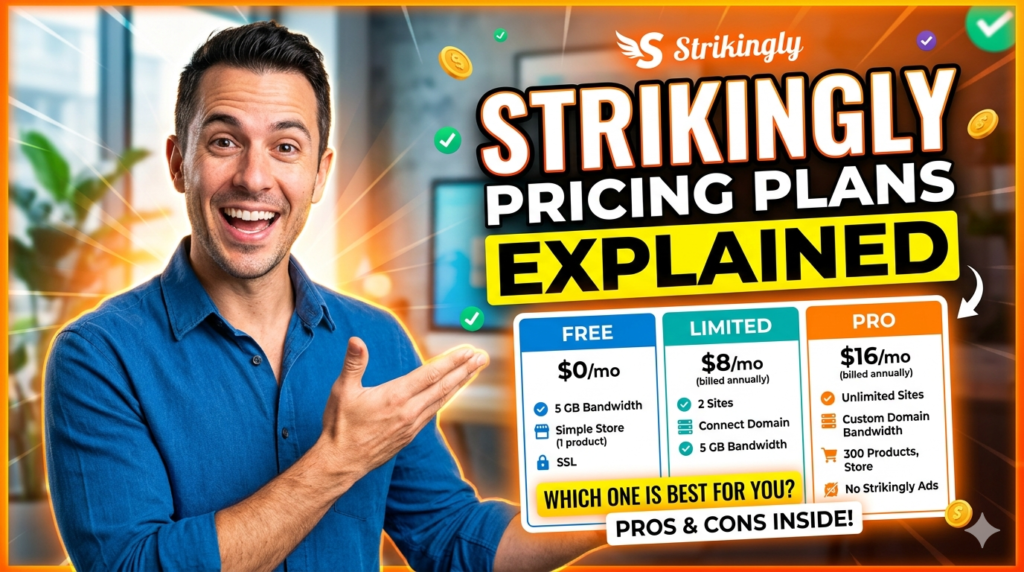
Strikingly offers a free plan that allows users to experiment before committing financially. According to recent pricing resources, the free plan includes unlimited free websites with basic storage and bandwidth limitations.
The free plan typically includes:
- Strikingly subdomain
- Basic templates
- Mobile responsiveness
- Limited storage
- Basic store support
- Blogging functionality
For hobby projects or testing ideas, the free plan works surprisingly well.
Pro and VIP Plans
Paid plans unlock significantly more functionality. Current pricing references suggest Pro plans generally start around $16 to $20 per month depending on billing structure. VIP plans can range around $49 to $59 monthly.
Here is a simplified pricing overview based on recent reports:
| Plan | Approximate Pricing | Best For |
| Free | $0 | Beginners |
| Limited | $6-$12/month | Personal sites |
| Pro | $16-$20/month | Businesses |
| VIP | $49-$59/month | Advanced brands |
Paid plans typically add:
- Custom domains
- Advanced analytics
- More bandwidth
- Increased storage
- Expanded eCommerce features
- Membership tools
- Priority support
Which Plan Offers the Best Value?
For most users, the Pro plan provides the best balance between affordability and functionality. It includes enough flexibility for small businesses, freelancers, and creators without the high costs associated with enterprise-level builders.
The VIP plan is better suited for businesses requiring priority support, large product catalogs, or advanced site management capabilities.
SEO Features in Strikingly
SEO Settings and Meta Tags
A website without SEO is like opening a beautiful store in the middle of a desert. No matter how stunning the design looks, nobody will find it. Thankfully, Strikingly includes several built-in SEO features.
Users can edit:
- Meta titles
- Meta descriptions
- Custom URLs
- Image alt text
- Social sharing previews
These features help search engines understand website content and improve visibility in Google search results.
Blogging and Search Visibility
Blogging remains one of the strongest SEO strategies available today. Strikingly’s blogging tools make content publishing straightforward, allowing users to target long-tail keywords and generate organic traffic over time.
Search engines prioritize fresh, relevant content. Businesses that consistently publish helpful articles can improve rankings, increase authority, and attract targeted visitors naturally.
Strikingly for Businesses and Creators
Best Use Cases
Strikingly works exceptionally well for:
- Personal portfolios
- Startup landing pages
- Freelancers
- Coaches
- Small businesses
- Event pages
- Online resumes
- Simple online stores
Its streamlined design philosophy helps users launch polished websites rapidly.
Who Should Avoid Strikingly
Despite its strengths, Strikingly is not perfect for everyone. Large enterprises, advanced developers, or users requiring deep customization may find the platform limiting. Complex marketplaces, advanced database systems, or highly customized web applications often require more powerful solutions.
If you need total design freedom, advanced plugins, or enterprise-level integrations, alternatives like WordPress, Webflow, or Shopify may be more suitable.
Comparing Strikingly With Competitors
Strikingly vs Wix
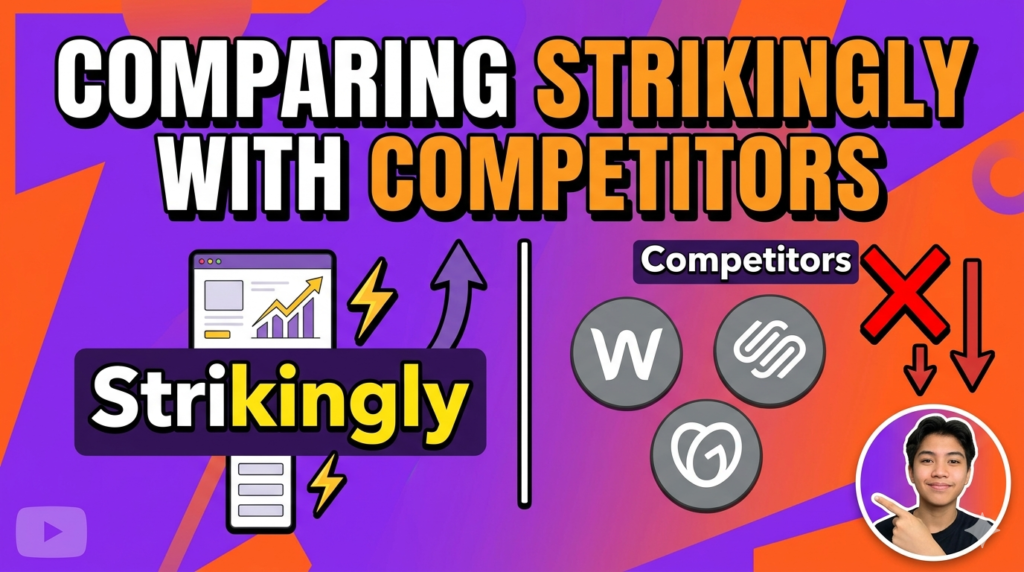
Wix offers far greater customization and app integrations. Recent industry reviews continue ranking Wix among the top website builders overall because of its flexibility and AI features.
Strikingly, however, wins in simplicity. Beginners often find Wix slightly overwhelming because of its enormous feature set.
Strikingly vs Squarespace
Squarespace excels in premium design aesthetics and blogging. Many creatives prefer Squarespace for visual branding. Strikingly, though, provides a faster learning curve and simpler interface.
Strikingly vs Shopify
Shopify dominates eCommerce functionality. It supports larger inventories, advanced marketing, and extensive integrations. Strikingly works better for smaller stores or creators selling limited products.
Read More:-
Top Features That Make Xara a Preferred Design Solution
Spocket Review: The Ultimate Dropshipping Solution for Online Stores
Why Jackery US Is Trusted for Reliable Backup Power Solutions
Why BLUETTI US Is a Leading Brand in Portable Energy Storage
SharkNinja UK Review: Innovative Home Appliances Worth Buying
Pros and Cons of Using Strikingly
| Pros | Cons |
| Extremely beginner-friendly | Limited advanced customization |
| Fast website setup | Fewer third-party integrations |
| Mobile-responsive templates | Not ideal for massive stores |
| Built-in hosting and SSL | Advanced SEO options limited |
| Affordable entry pricing | Template flexibility can feel restrictive |
The platform shines brightest when users prioritize speed, simplicity, and elegant design over technical complexity.
Tips to Build a Stunning Website Faster
Creating a beautiful website is not only about tools. Strategy matters too. Here are some practical ways to get better results with Strikingly:
- Use high-quality images
- Keep navigation simple
- Focus on one primary goal
- Write clear headlines
- Optimize for mobile users
- Use consistent branding
- Add testimonials and trust signals
- Publish SEO-friendly blog content
Think of your website like a storefront window. Visitors decide within seconds whether they trust your brand. Clean layouts, readable text, and compelling visuals dramatically improve engagement.
Another important tip is avoiding clutter. Many beginners try to cram too much information onto a single page. Simplicity often converts better because it guides users toward a clear action. Whether you want people to buy a product, book a consultation, or subscribe to a newsletter, your design should support that goal directly.


Conclusion
Strikingly has carved out a unique place in the website builder industry by focusing on simplicity, speed, and beginner accessibility. While many platforms chase advanced customization and enterprise-level complexity, Strikingly remains committed to helping ordinary users launch professional websites without coding skills.
Its clean interface, mobile-responsive templates, blogging features, and eCommerce tools make it an attractive option for freelancers, creators, startups, and small businesses. The platform especially excels for landing pages, portfolios, and personal branding websites where simplicity and visual impact matter most.
No website builder is perfect for everyone. Users needing highly advanced functionality or deep customization may eventually outgrow the platform. Still, for people seeking an easy and affordable way to build an attractive online presence quickly, Strikingly remains one of the strongest no-code solutions available today.
The internet rewards visibility, speed, and user experience. Strikingly simplifies all three. Instead of getting trapped in technical details, users can focus on storytelling, branding, and growing their audience. That alone explains why the platform continues to remain relevant in the rapidly evolving no-code website landscape.
FAQs
Q. Is Strikingly good for beginners?
A. Yes, Strikingly is widely considered one of the best website builders for beginners because of its simple drag-and-drop interface and minimal learning curve.
Q. Can I build an online store with Strikingly?
A. Yes, Strikingly includes eCommerce functionality that supports product listings, payments, digital downloads, and coupon codes.
Q. Does Strikingly offer a free plan?
A. Yes, Strikingly offers a free plan with basic functionality, though it includes branding and limited resources.
Q. Is Strikingly good for SEO?
A. Strikingly includes essential SEO tools such as meta tags, custom URLs, and blogging capabilities, making it suitable for basic SEO strategies.
Q. Which is better: Strikingly or Wix?
A. It depends on your goals. Strikingly is better for simplicity and fast setup, while Wix offers greater customization and advanced functionality.