Discover a complete guide to Corel, Roxio, and Pinnacle multimedia software, where you’ll explore their key features, pricing models, and real-world benefits for creators of all levels. This blog breaks down how Corel excels in graphic design and photo editing, how Roxio simplifies media burning and file management, and how Pinnacle Studio delivers powerful video editing capabilities for professional-quality content. Whether you’re a beginner looking for easy-to-use tools or a professional aiming for advanced editing features, this article helps you compare these platforms side by side and choose the right solution to match your creative and technical needs.
Table of Contents
- Introduction to Multimedia Software Ecosystem
- Overview of Corel Corporation
- What is Roxio Software?
- What is Pinnacle Studio?
- Core Features Comparison
- Pricing Comparison (Corel vs Roxio vs Pinnacle)
- Benefits of Using Corel, Roxio & Pinnacle
- Pros and Cons of Each Software
- Use Cases and Real-World Applications
- Alternatives in the Market
- Final Verdict: Which One Should You Choose?
- Conclusion
- FAQs
Introduction to Multimedia Software Ecosystem
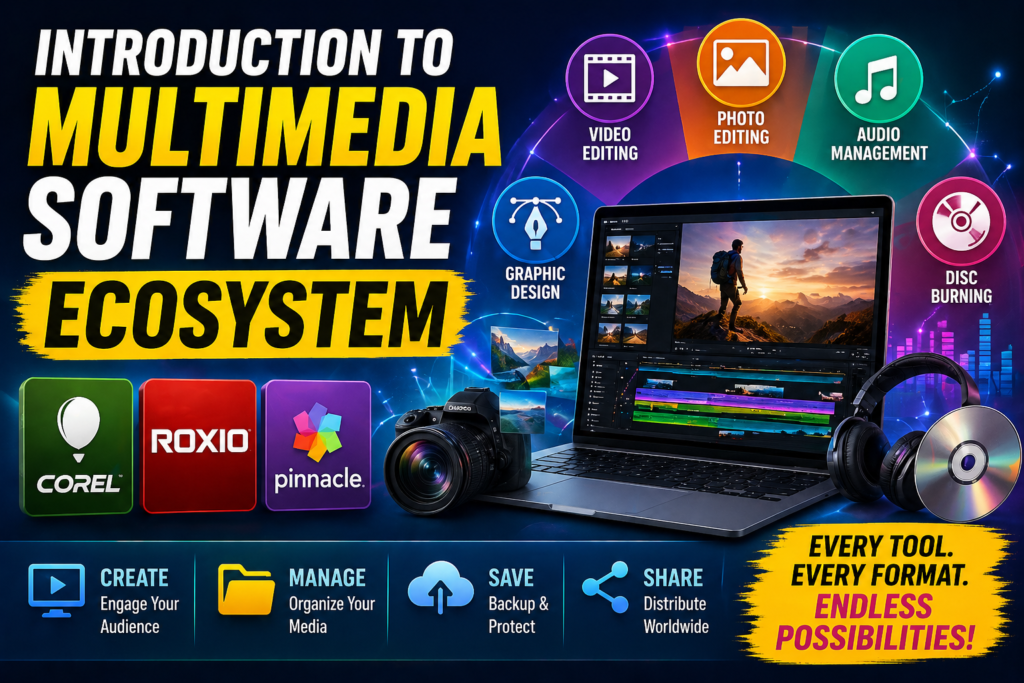
If you’ve ever edited a video, designed a graphic, or burned a DVD, chances are you’ve interacted with multimedia software—whether you realized it or not. Today’s digital world runs on content, and content runs on tools. That’s where software like Corel, Roxio, and Pinnacle step in. These tools aren’t just apps—they’re entire ecosystems designed to help creators, marketers, students, and professionals bring ideas to life.
Think of multimedia software as a digital toolbox. Some tools help you paint (photo editing), others help you sculpt (video editing), and some help you package your work (media burning and management). Instead of juggling dozens of apps, companies like Corel bundle everything into cohesive platforms. This not only saves time but also reduces the learning curve.
The demand for multimedia tools has exploded in recent years. With platforms like YouTube, Instagram, and online education booming, more people are creating content than ever before. That’s why understanding the differences between Corel, Roxio, and Pinnacle is crucial—you don’t want to pick a hammer when you actually need a paintbrush, right?
Overview of Corel Corporation
When you talk about multimedia software, you can’t ignore Corel Corporation. This Canadian company has been shaping the creative industry for decades. From graphic design to video editing, Corel offers a wide range of tools that cater to beginners and professionals alike.
Key Products by Corel
Corel’s product lineup is like a Swiss Army knife for creators. It includes tools for almost every creative need:
- Graphic design (CorelDRAW)
- Photo editing (PaintShop Pro)
- Video editing (VideoStudio)
- Digital painting (Painter)
These tools are built to work seamlessly, making it easier for users to switch between tasks without friction. According to Corel’s official platform, their software focuses on “endless creativity with no time wasted,” which perfectly sums up their philosophy.
Why Corel Dominates Creative Software
So why do people still choose Corel over newer tools? The answer is simple: balance. Corel manages to offer powerful features without overwhelming users. It’s like having a sports car that’s easy to drive—even if you’re not a professional racer.
Another big advantage is pricing. Unlike subscription-heavy competitors, many Corel products offer one-time purchase options. This makes them highly appealing to freelancers and small businesses who don’t want recurring costs eating into their profits.
What is Roxio Software?
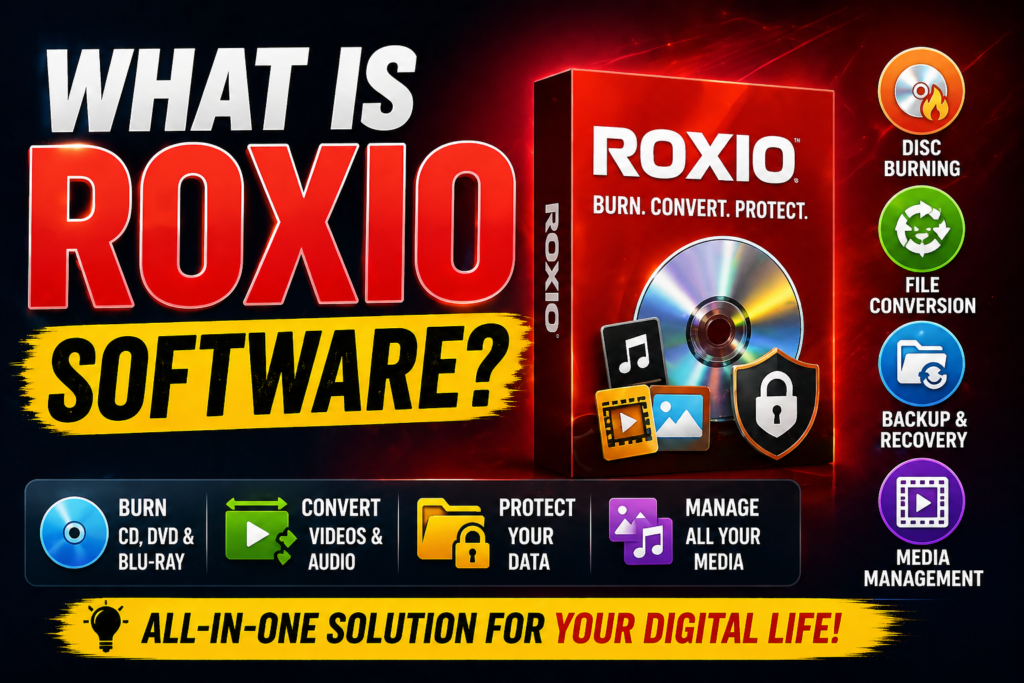
Roxio is another powerful name in the multimedia space, especially known for its media burning and digital content management solutions. While it may not be as flashy as video editing tools, Roxio plays a critical role behind the scenes.
Roxio’s Core Functionalities
Roxio focuses on:
- CD/DVD/Blu-ray burning
- Media conversion
- Backup and archiving
- Basic video editing
Think of Roxio as your digital storage manager. It ensures your data is safe, organized, and accessible. In a world where data loss can be disastrous, Roxio acts like a safety net.
Who Should Use Roxio?
Roxio is perfect for:
- Businesses managing large media libraries
- Users needing reliable backups
- People converting old media formats
It’s not designed to compete with high-end editors like Pinnacle. Instead, it complements them. You create content using Corel or Pinnacle, and Roxio helps you store and distribute it.
What is Pinnacle Studio?
Pinnacle Studio is a powerful video editing tool designed for creators who want professional-level results without Hollywood-level complexity.
Pinnacle Studio Features Breakdown
Pinnacle Studio offers a wide range of features that cater to both beginners and advanced users:
- Multi-camera editing
- Motion tracking
- 360° video editing
- Green screen (chroma key)
- Audio ducking and editing
- Keyframe controls
These features allow users to create cinematic videos with precision. According to software data, Pinnacle supports HD, 4K, and even 360-degree video formats, making it future-ready.
Latest Updates in Pinnacle Studio 2026
The latest version, Pinnacle Studio 26, brings major improvements:
- Enhanced performance and stability
- Faster rendering and preview speeds
- Improved keyframe editing
- Better user interface
These updates focus on making the editing process smoother and more efficient.
Core Features Comparison
Video Editing Capabilities
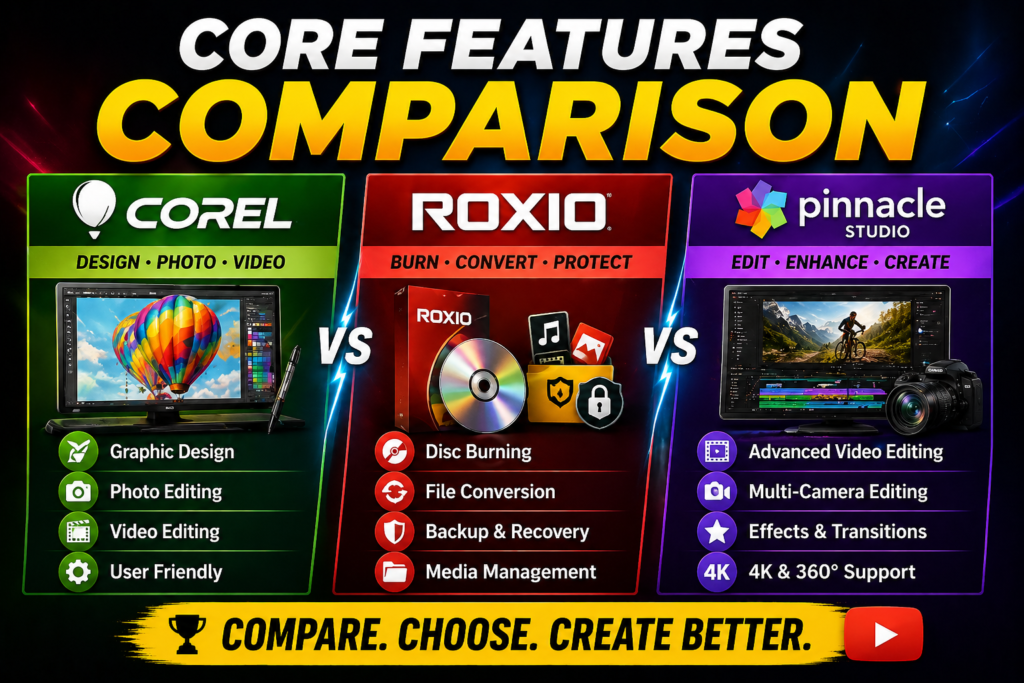
Pinnacle clearly leads in video editing. It offers advanced tools like motion tracking and color grading, which are essential for professional-quality videos.
Corel also offers video editing through VideoStudio, but it’s more beginner-friendly. Roxio, on the other hand, provides basic editing features—nothing too advanced.
Photo Editing and Design Tools
Corel dominates here. Its tools like PaintShop Pro and CorelDRAW are industry favorites for photo editing and graphic design. Roxio doesn’t focus on this area, and Pinnacle only offers limited capabilities.
Media Management and Burning Tools
Roxio wins this category. Its ability to burn discs, manage backups, and convert media formats makes it indispensable for data handling tasks.
Pricing Comparison (Corel vs Roxio vs Pinnacle)
One-Time Purchase vs Subscription
One of the biggest advantages of these tools is their pricing model. Unlike Adobe, which relies heavily on subscriptions, these platforms often offer one-time purchases.
| Software | Pricing Model | Starting Price |
| Corel | One-time | Varies by product |
| Roxio | One-time | Moderate |
| Pinnacle Studio | One-time | ~$49.99 – $99.99 |
Value for Money Analysis
Pinnacle offers excellent value for video editors, especially considering its advanced features. Corel provides the best overall value due to its wide range of tools. Roxio is niche but highly valuable for specific use cases.
Benefits of Using Corel, Roxio & Pinnacle
For Beginners
If you’re just starting out, these tools are incredibly forgiving. Corel’s intuitive interface and Pinnacle’s guided editing make learning easy. To make something extraordinary, you don’t have to be a tech whiz.
For Professionals
Professionals benefit from advanced features like:
- Color grading
- Motion tracking
- Multi-camera editing
These tools provide the flexibility needed for high-quality projects without the complexity of enterprise-level software.
Pros and Cons of Each Software
| Software | Pros | Cons |
| Corel | Versatile, affordable, beginner-friendly | Not as advanced as Adobe |
| Roxio | Excellent media management | Limited creative tools |
| Pinnacle | Powerful video editing | Slight learning curve |


Use Cases and Real-World Applications
These tools are used across industries:
- YouTubers editing videos with Pinnacle
- Designers creating graphics with Corel
- Businesses backing up data with Roxio
It’s like having a complete production studio at your fingertips.
Read More:-
Building Your Dream Website with Site123
How Does Strikingly Simplify the Website Building Process?
Why ContentStudio & Leadpages Are Essential for E-commerce Success
LiveChat: Transforming Customer Support for Digital Entrepreneurs
How Can Simvoly Elevate Your Digital Product Store Experience?
Why Should You Consider Elementor for Your Next Web Project?
Alternatives in the Market
While these tools are powerful, alternatives include:
- Adobe Creative Cloud
- DaVinci Resolve
- Filmora
Each has its strengths, but they often come with higher costs or steeper learning curves.
Final Verdict: Which One Should You Choose?
Choosing between Corel, Roxio, and Pinnacle depends on your needs:
- Need design tools? Go with Corel
- Need video editing? Choose Pinnacle
- Need media management? Pick Roxio
It’s not about which is best—it’s about which is right for you.
Conclusion
Corel, Roxio, and Pinnacle together form a powerful multimedia ecosystem. Each serves a unique purpose, yet they complement each other perfectly. Whether you’re a beginner exploring creativity or a professional producing high-quality content, these tools offer something valuable. The best part? You don’t need to break the bank to access professional-grade features.
FAQs
Q. Is Pinnacle Studio better than Adobe Premiere Pro?
A. Pinnacle is easier to use and more affordable, but Adobe offers more advanced features.
Q. Can I use Corel software for professional work?
A. Yes, Corel tools are widely used by professionals in design and editing.
Q. What is Roxio mainly used for?
A. Roxio is used for media burning, backup, and file conversion.
Q. Does Pinnacle Studio support 4K editing?
A. Yes, it supports HD, 4K, and even 360-degree video editing.
Q. Are these tools subscription-based?
A. Most Corel, Roxio, and Pinnacle products offer one-time purchase options.