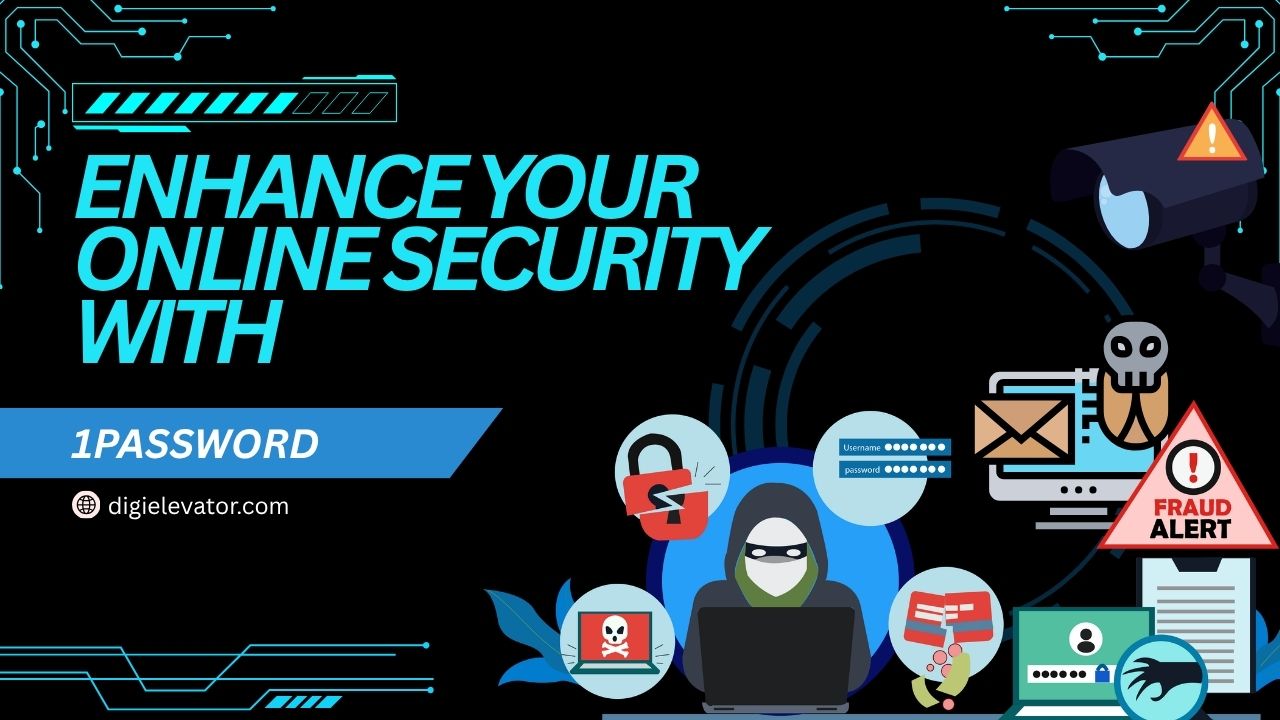
Enhance your digital safety with 1Password, a powerful password manager designed to protect your online accounts and sensitive data. This blog explores how 1Password simplifies password management, strengthens security with advanced encryption, and helps you stay ahead of cyber threats. Discover its key features, benefits, and why it’s an essential tool for anyone looking to improve their online security.
Table of Contents
- Introduction to Online Security Challenges
- What is 1Password?
- How 1Password Works
- Core Features of 1Password
- Advanced Security Features
- 1Password Pricing and Plans (2026 Update)
- Benefits of Using 1Password
- 1Password vs Competitors
- Is 1Password Safe?
- How to Get Started with 1Password
- Common Mistakes to Avoid
- Real-World Use Cases
- Expert Insights on Password Security
- Conclusion
- FAQs
Introduction to Online Security Challenges
Rising Cyber Threats in 2026
Let’s be honest—being online today feels a bit like walking through a crowded marketplace with your wallet hanging out of your pocket. Cyber threats are no longer rare events; they are constant, evolving, and increasingly sophisticated. From phishing scams to credential stuffing attacks, the risks are everywhere. In fact, a single phishing attack can cost businesses an average of $4.8 million, showing just how devastating security breaches can be .
The explosion of digital services has only made things more complicated. Think about how many accounts you personally manage—email, banking, social media, shopping platforms, and work tools. Each one requires a password, and if you’re like most people, you’ve probably reused a few. That’s exactly what hackers rely on. One leaked password can open the door to multiple accounts, creating a domino effect of vulnerabilities.
Here’s the reality: traditional password habits simply don’t cut it anymore. Writing passwords in notebooks or saving them in browsers without proper protection is like locking your front door but leaving the windows wide open. The modern digital landscape demands smarter, more secure solutions.
Why Password Management Matters
Imagine trying to remember dozens—or even hundreds—of complex passwords without repeating any. Sounds impossible, right? That’s where password managers step in as your digital security guard. They don’t just store passwords; they actively protect your identity, financial data, and personal information.
A strong password manager eliminates weak links in your security chain. It ensures every password is unique, complex, and safely stored. More importantly, it removes the burden from your memory, allowing you to focus on what matters while staying protected.
This is where 1Password shines. It transforms how you handle passwords, turning a chaotic system into a streamlined, secure experience. Instead of juggling multiple credentials, you get a single, fortified gateway to your digital life.
What is 1Password?
Overview of 1Password
1Password is beyond just a way to keep track of your passwords. It’s a full digitized security system that protects your digital identity. Trusted by over 100,000 businesses worldwide, it has become a go-to platform for individuals, families, and organizations looking to enhance their cybersecurity posture .
At its core, 1Password securely stores your passwords, credit card details, secure notes, and other sensitive information in an encrypted vault. You only need one master password to get into everything, so you don’t have to remember a lot of passwords. It’s like having a digital safe that only you can unlock.
But what makes 1Password stand out is its focus on usability combined with top-tier security. It works seamlessly across devices—Windows, macOS, Android, iOS, and even Linux—ensuring your data is always accessible when you need it .
Key Capabilities
1Password isn’t just about storage—it actively improves your security habits. It generates strong passwords, alerts you to breaches, and helps you avoid phishing attacks. It’s like having a cybersecurity expert quietly working in the background.
Some of its standout capabilities include:
- Secure password generation
- Autofill login credentials
- Dark web monitoring via Watchtower
- Secure sharing for teams and families
- Cross-platform syncing
Each of these features plays a crucial role in building a safer digital environment.
How 1Password Works
Password Vault System
Think of 1Password as a vault—a highly secure digital locker where all your sensitive information lives. When you save a password, it’s encrypted and stored in this vault, making it inaccessible to anyone without the proper credentials.
The simplicity of this system is what makes it beautiful. You log in once using your master password, and 1Password handles the rest. Whether you’re logging into a website or filling out a form, it automatically retrieves and enters your information securely.
This eliminates the need to remember multiple passwords or risk using weak ones. Everything is centralized, organized, and protected.
Encryption and Security Layers
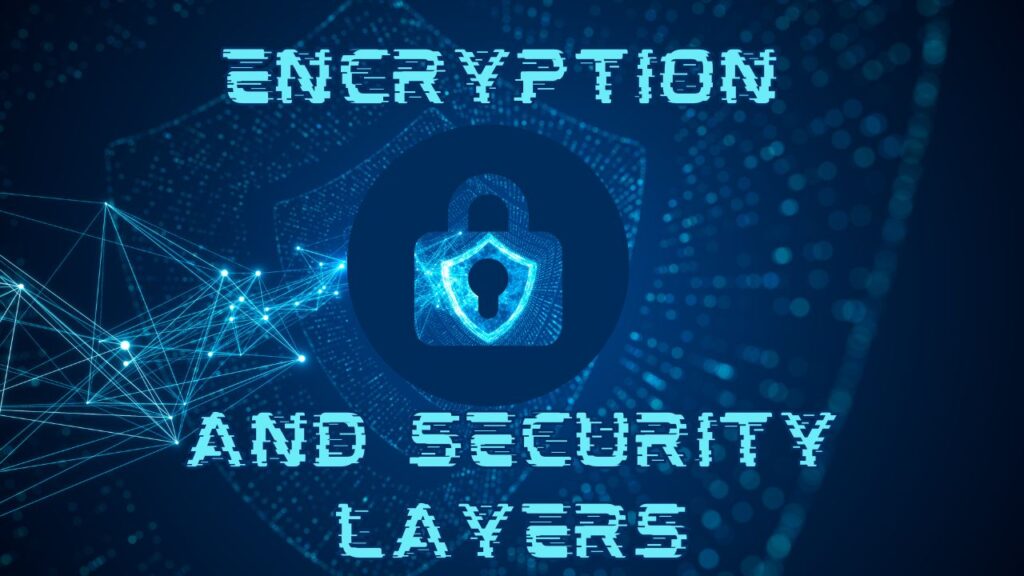
Security is where 1Password truly excels. It uses end-to-end encryption, ensuring your data is protected both in transit and at rest. If someone gets your data, they won’t be able to read it.
What sets it apart is its dual-layer protection system. In addition to your master password, 1Password uses a unique Secret Key, adding an extra layer of security. This means that even if someone guesses your password, they still can’t access your vault without the Secret Key .
It’s like having two locks on your door instead of one—making unauthorized access exponentially harder.
Latest Post
Core Features of 1Password
Password Generation and Autofill
One of the biggest challenges in cybersecurity is creating strong, unique passwords. 1Password solves this effortlessly by generating complex passwords that are nearly impossible to crack.
These passwords are then automatically filled in when you visit a website, saving you time and reducing the risk of phishing attacks. You don’t have to type anything manually—just click, and you’re in.
Watchtower Security Alerts
The Watchtower feature acts like a security watchdog. It continuously scans your stored credentials and alerts you if any of them are weak, reused, or compromised in a data breach .
This proactive method makes sure you’re always one step ahead of possible threats.
Secure Sharing
Do you need to give a password to a coworker or family member? 1Password allows you to do so securely without exposing sensitive information.
Instead of sending passwords via email or messaging apps, you can share access through encrypted vaults, ensuring only authorized users can view them.
Cross-Platform Accessibility
Whether you’re on your phone, laptop, or tablet, 1Password keeps everything in sync. It works across all major platforms and browsers, making it incredibly convenient for users with multiple devices .
Advanced Security Features
Dual-Layer Protection
Security isn’t just about encryption—it’s about layering defenses. 1Password’s dual-layer protection combines a master password with a Secret Key, creating a robust security framework.
This approach ensures that even if one layer is compromised, your data remains safe.
Two-Factor Authentication & Passkeys
1Password supports two-factor authentication (2FA) and modern passkeys, adding another layer of protection. This means you need more than just a password to access your account.
It’s like requiring both a key and a fingerprint to open a safe—far more secure than relying on a single method.
1Password Pricing and Plans (2026 Update)
Individual & Family Plans
Here’s a quick look at the latest pricing:
| Plan | Price (2026) | Best For |
| Individual | ~$47.88/year | Single users |
| Family | ~$71.88/year | Up to 5 users |
Recent updates show a price increase in 2026, reflecting added features and improved security .
Business & Enterprise Plans
For teams and organizations:
- Teams Starter Pack: ~$19.95/month (up to 10 users)
- Business Plan: ~$7.99/user/month
- Enterprise: Custom pricing
These plans include advanced features like access control, reporting, and analytics.
Benefits of Using 1Password
Personal Use Cases
For individuals, 1Password simplifies life. No more passwords that you forget or reuse that could be dangerous. It keeps your digital life organized and secure.
Business Use Cases
For businesses, it’s a game-changer. It improves security, ensures compliance, and reduces the risk of data breaches.
1Password vs Competitors
Compared to alternatives, 1Password stands out for its security architecture and user-friendly design. While some competitors offer free plans, 1Password focuses on premium security and reliability.
Read More:-
Streamlining Production with Katana Manufacturing ERP
Breezy HR: Revolutionizing Human Resource Management
Unlocking the Potential of CometChat for Your Online Community
Is Gorgias the Secret to Streamlined Customer Support?
Maximizing Value with Your Referral Program – Close Strategy
Is 1Password Safe?
Short answer—yes. With end-to-end encryption, dual-layer protection, and continuous monitoring, it’s one of the most secure password managers available.
How to Get Started with 1Password
Getting started is simple:
- Sign up for a plan
- Create a master password
- Save your credentials
- Let 1Password handle the rest
Common Mistakes to Avoid
Avoid weak master passwords, ignoring security alerts, and not enabling 2FA.
Real-World Use Cases
From freelancers managing multiple clients to enterprises handling sensitive data, 1Password adapts to various needs.
Expert Insights on Password Security
Experts emphasize the importance of unique passwords and multi-layered security—both of which 1Password delivers effectively.
Conclusion
In a world where cyber threats are constantly evolving, relying on outdated security practices is no longer an option. 1Password offers a modern, reliable solution that not only protects your data but also simplifies your digital life. Whether you’re an individual or a business, investing in a robust password manager is one of the smartest decisions you can make.
FAQs
Q. Is 1Password free to use?
A. No, but it offers a 14-day free trial for all plans.
Q. Can 1Password be hacked?
A. While no system is 100% immune, its dual-layer encryption makes it extremely secure.
Q. Does 1Password work offline?
A. Yes, you can access stored data offline.
Q. Is 1Password better than browser password managers?
A. Yes, it offers stronger security and advanced features.
Q. Can I use 1Password on multiple devices?
A. Absolutely—it syncs across all major platforms.