Discover how RoboForm helps you manage and secure your passwords with advanced encryption, easy autofill, and powerful security features, making it a reliable solution for protecting your online accounts in today’s digital world.
Introduction to Password Security in the Digital Age
Why Password Management Matters More Than Ever
Let’s be honest—how many passwords do you actually remember? Five? Ten? Or are you one of those people who still uses the same password everywhere? If yes, you’re not alone. But here’s the problem: that habit is like using one key for your house, car, office, and locker. If someone gets it, everything is compromised.
In 2026, we live in a hyper-connected world. From banking apps to social media, from online shopping to work portals—everything requires secure logins. According to cybersecurity experts, the average person manages dozens of accounts, making manual password management nearly impossible.
This is where tools like RoboForm come into play. Instead of juggling passwords or writing them down (which is risky), a password manager acts like a digital vault—secure, reliable, and always accessible. It not only stores your passwords but also ensures they are strong and unique.
The Rise of Cyber Threats and Data Breaches
Cybercrime is no longer just a tech issue—it’s a global crisis. Hackers are getting smarter, and phishing attacks, ransomware, and credential stuffing are becoming more common. If one of your passwords gets leaked, attackers can easily access multiple accounts.
Studies show that using unique passwords for each account significantly reduces the risk of breaches. However, remembering all of them is unrealistic without assistance. That’s why password managers are now considered essential tools rather than optional ones.
What is RoboForm?
History and Evolution of RoboForm
RoboForm is one of the oldest and most trusted password managers, first introduced in 1999. Over the years, it has evolved from a simple form-filling tool into a full-fledged password management solution. Developed by Siber Systems, it has consistently adapted to changing security needs and technological advancements.
Unlike many newer tools that focus heavily on flashy interfaces, RoboForm has stayed true to its core mission: simplicity, reliability, and strong security.
Key Purpose and Functionality
At its core, RoboForm is designed to:
- Store passwords securely
- Generate strong, unique passwords
- Automatically fill login forms
- Provide quick, one-click access to accounts
It acts like your personal security assistant, working silently in the background to keep your digital life safe and organized.
Core Features of RoboForm
Password Storage and Encryption
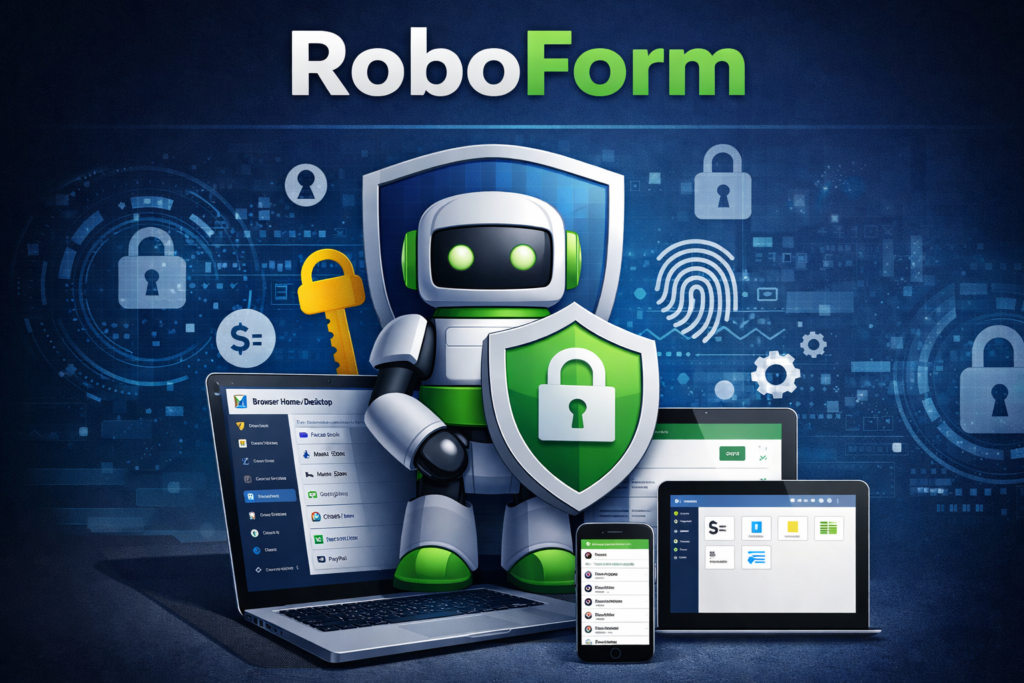
RoboForm stores all your passwords in an encrypted vault, ensuring that no unauthorized user can access them. It uses advanced encryption standards to protect sensitive data.
One of its standout features is unlimited password storage—even in the free version. This makes it ideal for users who manage multiple accounts daily.
AutoFill and One-Click Login
Imagine logging into your favorite website with a single click—no typing, no remembering. RoboForm’s AutoFill feature does exactly that. It fills in usernames, passwords, and even long forms instantly.
Experts often highlight RoboForm’s form-filling capability as one of the best in the industry. This feature alone saves countless hours over time.
Password Generator and Security Center
Weak passwords are a hacker’s best friend. RoboForm eliminates this risk by generating strong, complex passwords for each account.
Its Security Center analyzes your existing passwords and identifies:
- Weak passwords
- Reused passwords
- Compromised credentials
This proactive approach helps users improve their overall security posture.
Multi-Factor Authentication and Passkeys
RoboForm supports multi-factor authentication (MFA), adding an extra layer of protection. Even if someone gets your password, they still can’t access your account without the second verification step.
Additionally, it now supports passkeys, a modern authentication method that enhances security and reduces reliance on traditional passwords.
Read More:-
Opencare: Your Trusted Platform for Finding Quality Healthcare
The Gentle Herd Initiative: Bridging Tradition and Progress
Plan Your Perfect Road Trip with Roadtrippers.com
LambdaTest (US): Your Trusted Testing Companion
CJdropshipping (US): Your Gateway to Dropshipping Success
RoboForm Security Architecture
AES-256 Encryption Explained
RoboForm uses AES-256 encryption, often referred to as military-grade encryption. This means your data is scrambled into a format that is nearly impossible to decode without the correct key.
Think of it like locking your data inside a vault with billions of possible combinations—virtually unbreakable.
Zero-Knowledge Security Model
One of the most important aspects of RoboForm is its zero-knowledge architecture. This means:
- Your data is encrypted locally
- Only you have access to your master password
- Even RoboForm cannot see your data
This ensures maximum privacy and security.
Pricing and Plans
Free vs Premium Plan Comparison
RoboForm offers a flexible pricing structure, making it accessible to everyone.
| Plan | Price | Features |
| Free | $0 | Unlimited passwords, single device |
| Premium | ~$0.99/month | Multi-device sync, advanced features |
| Family | ~$1.59/month | Up to 5 users |
The free plan is great for beginners, while the premium plan unlocks full functionality at an affordable price.
Business and Family Plans
For teams and families, RoboForm provides scalable solutions with features like:
- Secure password sharing
- Role-based access
- Centralized management
This makes it suitable for both personal and professional use.
RoboForm User Experience
Ease of Use and Interface
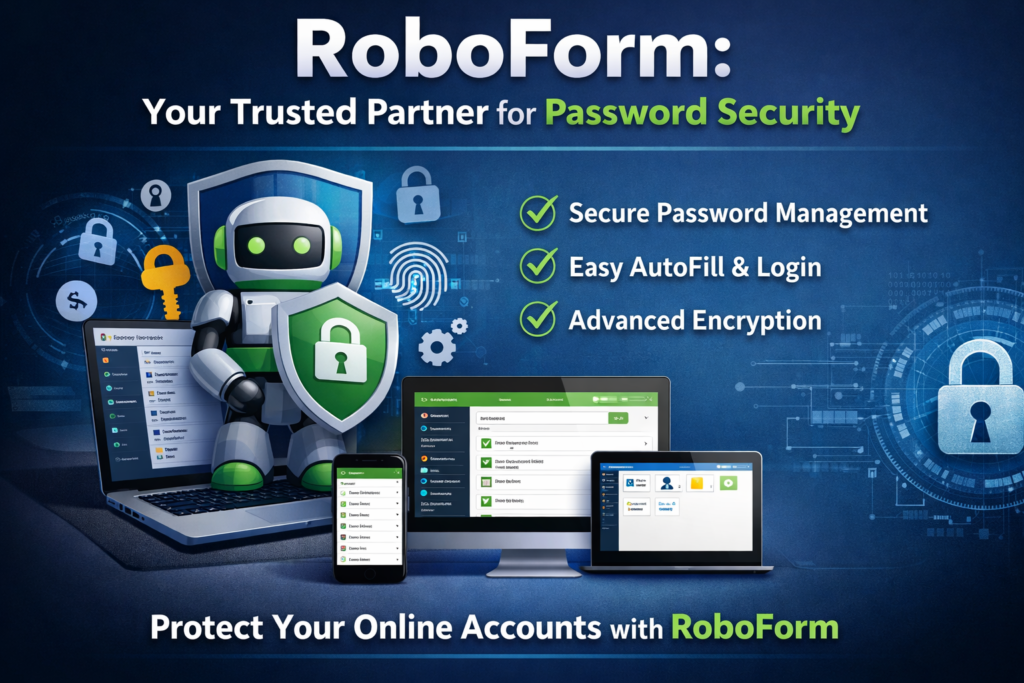
RoboForm is designed with simplicity in mind. Its interface may not be the most modern, but it’s incredibly intuitive.
Users often praise its ease of use and reliability, especially for beginners. You don’t need to be tech-savvy to use it effectively.
Cross-Platform Compatibility
RoboForm works across multiple platforms, including:
- Windows
- macOS
- Android
- iOS
- Browsers like Chrome, Firefox, Edge
This ensures seamless access to your passwords anytime, anywhere.
Pros and Cons of RoboForm
Advantages
RoboForm stands out for several reasons:
- Affordable pricing
- Excellent AutoFill functionality
- Strong encryption and security features
- Cross-platform support
- Reliable performance
Many users report saving significant time and improving their online security after using RoboForm.
Limitations
No tool is perfect, and RoboForm has a few drawbacks:
- Desktop app could be improved
- Free plan limited to one device
- Interface feels slightly outdated
Despite these limitations, its strengths far outweigh its weaknesses.
Latest Post



RoboForm vs Competitors
| Feature | RoboForm | NordPass | 1Password | Dashlane |
| Price | Very Low | Moderate | High | High |
| AutoFill | Excellent | Good | Good | Good |
| Security | Strong | Strong | Strong | Strong |
| Ease of Use | High | High | Medium | High |
RoboForm is often considered the best budget password manager, offering premium features at a fraction of the cost.
Why Choose RoboForm in 2026?
If you’re wondering whether RoboForm is still relevant in 2026, the answer is a strong yes. Despite newer competitors, RoboForm continues to shine due to its reliability, affordability, and proven track record.
It has maintained a spotless security record and continues to innovate with features like passkeys and advanced authentication.
Whether you’re a student, professional, or business owner, RoboForm offers a practical solution for managing passwords securely.
Conclusion
Managing passwords doesn’t have to be stressful or risky. With tools like RoboForm, you can simplify your digital life while staying secure.
It’s like having a personal bodyguard for your online identity—always alert, always protecting. From strong encryption to seamless AutoFill, RoboForm ticks all the right boxes.
If security, convenience, and affordability matter to you, RoboForm is definitely worth considering.
FAQs
Q. Is RoboForm safe to use?
A. Yes, RoboForm uses AES-256 encryption and a zero-knowledge model, making it highly secure.
Q. Does RoboForm have a free plan?
A. Yes, it offers a free plan with unlimited password storage but limited to one device.
Q. Can RoboForm be used on multiple devices?
A. Yes, but multi-device syncing is available only in the premium plan.
Q. Has RoboForm ever been hacked?
A. As of recent reports, RoboForm has not experienced any major data breaches.
Q. Is RoboForm better than other password managers?
A. It depends on your needs, but RoboForm is one of the most affordable and reliable options available.