
Instapage is a powerful landing page builder designed to help businesses create high-converting, professional pages with ease. In this in-depth review, we explore Instapage’s key features, templates, A/B testing tools, and performance benefits to show why it’s an ideal choice for boosting conversions and maximizing marketing results.
Table of Contents
- Introduction to Instapage
- Why Landing Pages Matter for Conversions
- Key Features of Instapage
- Ease of Use
- Performance and Page Speed
- Integrations and Compatibility
- Instapage Pricing Plans
- Pros and Cons of Instapage
- Instapage vs Competitors
- Real-World Use Cases
- Tips to Maximize Conversions with Instapage
- Final Verdict
- Conclusion
- FAQs
Introduction to Instapage
What Is Instapage?
Instapage is a powerful landing page builder designed specifically for marketers, agencies, and businesses that want one thing—more conversions. Instead of just creating pretty pages, Instapage focuses on turning visitors into leads, customers, and subscribers.
Think of Instapage like a conversion machine. You feed it traffic, and it helps squeeze out results.
Who Should Use Instapage?
Instapage is perfect for:
- Digital marketers
- PPC advertisers
- SaaS companies
- E-commerce brands
- Marketing agencies
- Entrepreneurs
If your goal is to run paid ads and convert traffic efficiently, Instapage is built for you.
Why Landing Pages Matter for Conversions
The Role of Landing Pages in Digital Marketing
Your website homepage is like a shopping mall—lots of distractions.
A landing page is like a focused sales counter.
Landing pages are designed with one goal: conversion. Whether it’s collecting emails or selling a product, landing pages guide visitors toward a single action.
How Design Impacts Conversions
Good design isn’t just about looks. It’s about psychology:
- Clear headlines grab attention
- Strong CTAs guide action
- Clean layouts reduce confusion
Instapage understands this and gives you the tools to build pages that sell without shouting.
Key Features of Instapage
Drag-and-Drop Page Builder
Instapage’s builder is smooth, flexible, and beginner-friendly. You can move elements anywhere—no grid restrictions. It’s like designing with LEGO blocks.
No coding. No headaches.
Instablocks for Faster Design
Instablocks let you save sections like:
- Testimonials
- Headers
- Pricing tables
Reuse them across multiple pages in seconds. It’s a huge time-saver.
Mobile-Responsive Design
Every page automatically adapts to mobile devices. You can even customize mobile layouts separately.
Because let’s be real—most traffic comes from phones now.
Built-in A/B Testing
Want to test two headlines? Or different CTA buttons?
Instapage lets you run A/B tests easily and see what actually converts better. Data beats guesswork.
Heatmaps & Analytics
Instapage shows you:
- Where users click
- How far they scroll
- What they ignore
It’s like having X-ray vision for your landing pages.
Dynamic Text Replacement
This feature personalizes your page content based on the visitor’s ad keywords.
Same page. Different message. Higher relevance.
Higher relevance = higher conversions.
Collaboration Tools
Perfect for teams. You can:
- Leave comments
- Share feedback
- Approve changes
No more endless email threads.
Latest Post



Ease of Use
User Interface Overview
Instapage feels clean, modern, and intuitive. Everything is where it should be.
Even non-tech users can build professional pages in minutes.
Learning Curve for Beginners
If you can use Canva, you can use Instapage.
It’s that simple.
Read More:-
Moosend Review: Why Moosend Is a Top Email Marketing Tool for Agencies
How Gorgias Helps Marketing Agencies Manage Ecommerce Customers
MASV Review: How MASV Simplifies Large File Transfers for Agencies
Why Landingi Is the Best Landing Page Builder for Digital Marketing Agencies
PGYTECH: Premium Gear for Creators, Travelers, and Tech Users
Templates and Customization
Pre-Built Templates
Instapage offers high-converting templates for:
- Lead generation
- Webinar signups
- Product launches
- App downloads
Just pick, edit, and publish.
Custom Design Flexibility
Want total control? You can customize:
- Fonts
- Colors
- Layouts
- Animations
Your brand, your rules.
Performance and Page Speed
Why Speed Matters
Slow pages kill conversions.
If your page loads in 5 seconds instead of 2, you lose visitors.
Instapage Hosting Advantages
Instapage uses fast cloud hosting with built-in optimization.
Your pages load fast—even with heavy traffic.
Integrations and Compatibility
Marketing Tools Integration
Instapage connects with:
- Google Ads
- Facebook Ads
- Zapier
- HubSpot
- Mailchimp
Your entire marketing stack works together smoothly.
CRM and Email Tools Support
Lead data flows directly into your CRM and email tools.
No manual work. No data loss.
Instapage Pricing Plans
Plan Breakdown
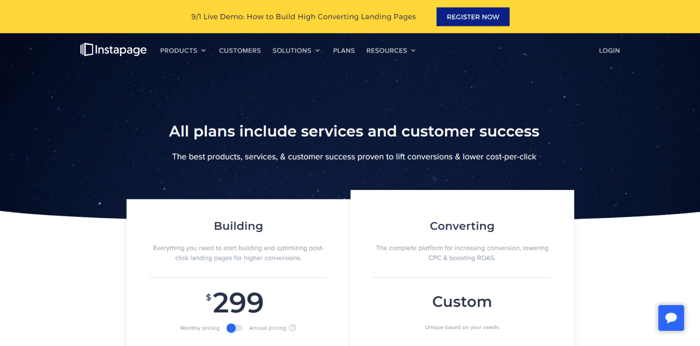
Instapage is a premium tool, not a budget one.
Plans focus on:
- Advanced features
- Enterprise-level performance
- Serious marketers
Is Instapage Worth the Price?
If you run paid ads or generate leads professionally—yes.
One high-converting page can pay for the tool many times over.
Pros and Cons of Instapage
Advantages
- Powerful design freedom
- Excellent conversion tools
- Fast loading pages
- Team collaboration
- A/B testing built-in
Limitations
- Higher pricing
- Not ideal for casual users
- Overkill for small blogs
Instapage vs Competitors
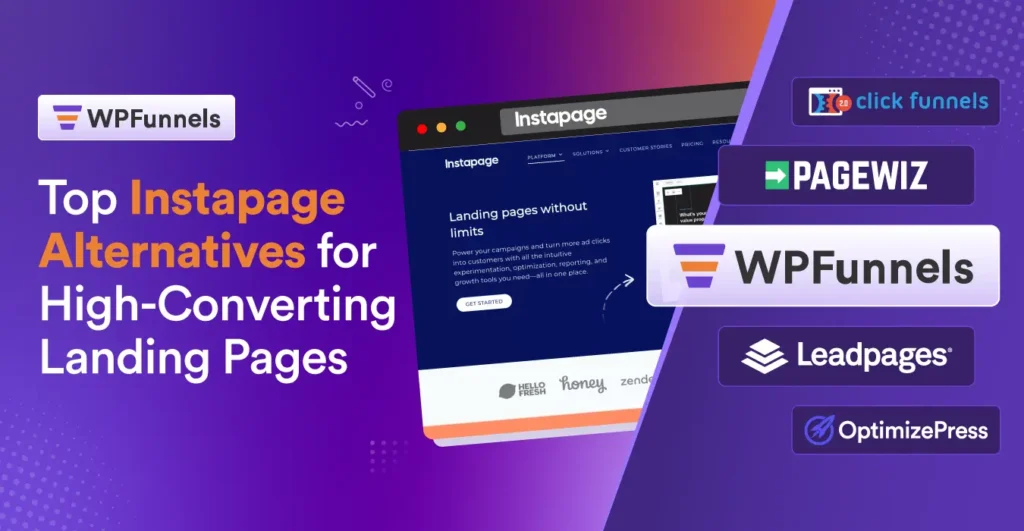
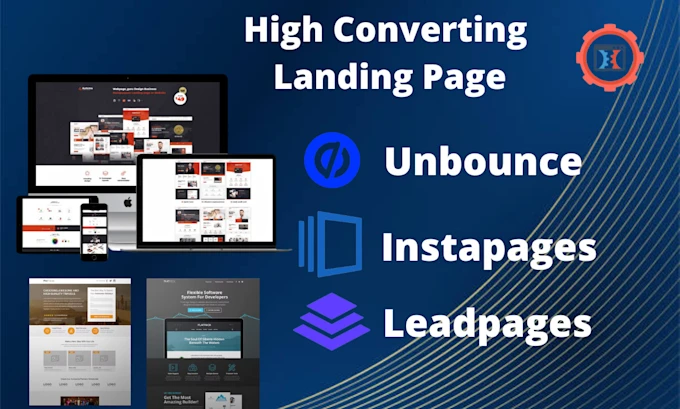
Instapage vs Unbounce
Instapage offers better collaboration and customization.
Unbounce is great, but Instapage feels more enterprise-ready.
Instapage vs Leadpages
Leadpages is cheaper, but Instapage gives more control and deeper optimization tools.
Real-World Use Cases
For Digital Agencies
Agencies can build, test, and manage multiple client campaigns easily.
For E-commerce Brands
Product launches and promo pages convert better with focused landing pages.
For SaaS Businesses
Free trials, demos, and lead magnets perform best with Instapage.
Tips to Maximize Conversions with Instapage
Best Design Practices
- Use clear headlines
- Add social proof
- Keep CTAs visible
- Remove distractions
Conversion Optimization Tips
- Run A/B tests regularly
- Use heatmap data
- Match ad copy with page copy
Small tweaks = big results.
Final Verdict
Instapage is not just a landing page builder—it’s a conversion platform.
If your business depends on turning clicks into customers, Instapage gives you the tools, speed, and data to win.
It’s like having a sales funnel expert working 24/7.
Conclusion
Instapage stands out as a premium solution for businesses that take conversions seriously. From its flexible page builder to advanced testing tools, everything is designed to help you get better results from your traffic. While it may not be the cheapest option, the ROI potential makes it a smart investment for marketers, agencies, and growth-focused brands.
If high-converting landing pages are your goal, Instapage is definitely worth considering.
FAQs
Q. Is Instapage beginner-friendly?
A. Yes, the drag-and-drop builder is easy for beginners.
Q. Does Instapage support A/B testing?
A. Yes, built-in A/B testing is one of its core features.
Q. Can I use Instapage with Google Ads?
A. Absolutely. It integrates smoothly with Google Ads.
Q. Is Instapage good for small businesses?
A. It’s best for businesses focused on paid traffic and lead generation.
Q. Does Instapage improve conversion rates?
A. Yes, its optimization tools are designed to boost conversions.